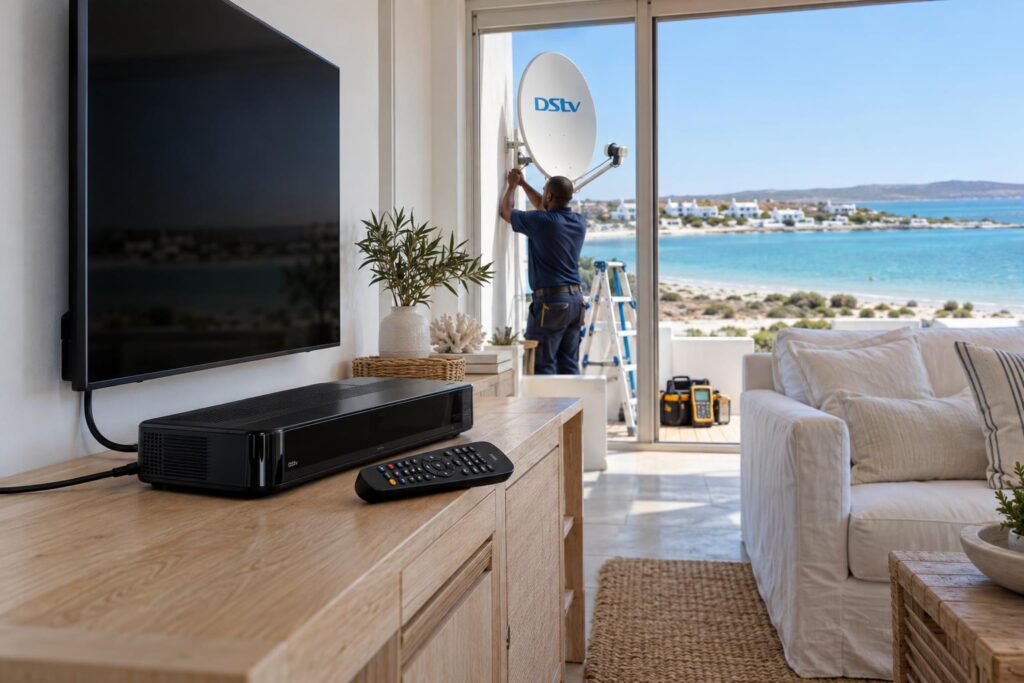
Quick answer: If you are checking the DStv Explora price Langebaan homeowners actually pay, start with the official figures. At the time of writing (October 2026), DStv lists the Explora Ultra at a recommended R2,499 for the box only, or R3,699 with installation. The older Explora 2A/3A is listed at R999, or R1,999 installed. Your final bill in Langebaan depends on your dish, LNB, cable and how the decoder is set up.
You saw an Explora on a shelf or online and the number looked fine. Then someone mentioned a Smart LNB, new cable and a call-out fee, and the total started to climb. This guide explains why that happens, what really drives the DStv Explora price at a West Coast home, and how to keep the total honest.
We install and repair Explora decoders every week, from Myburgh Park to Club Mykonos. So we know where the surprises usually come from, and how to avoid them.
Key points before you buy
- The box price and the installed price are two different numbers.
- Every Explora needs an 80cm dish and a DStv Smart LNB, according to DStv.
- Your monthly package is billed on top, plus an Access Fee for recording.
- Salt air and wind often mean the old LNB or cable must be replaced.
- Recordings stay on the old decoder. They do not move to the new one.
Why the DStv Explora price you see is rarely what you pay
Most people start with the retail DStv Explora price. That figure is real, but it only covers the decoder, the remote, a power supply and an HDMI cable.
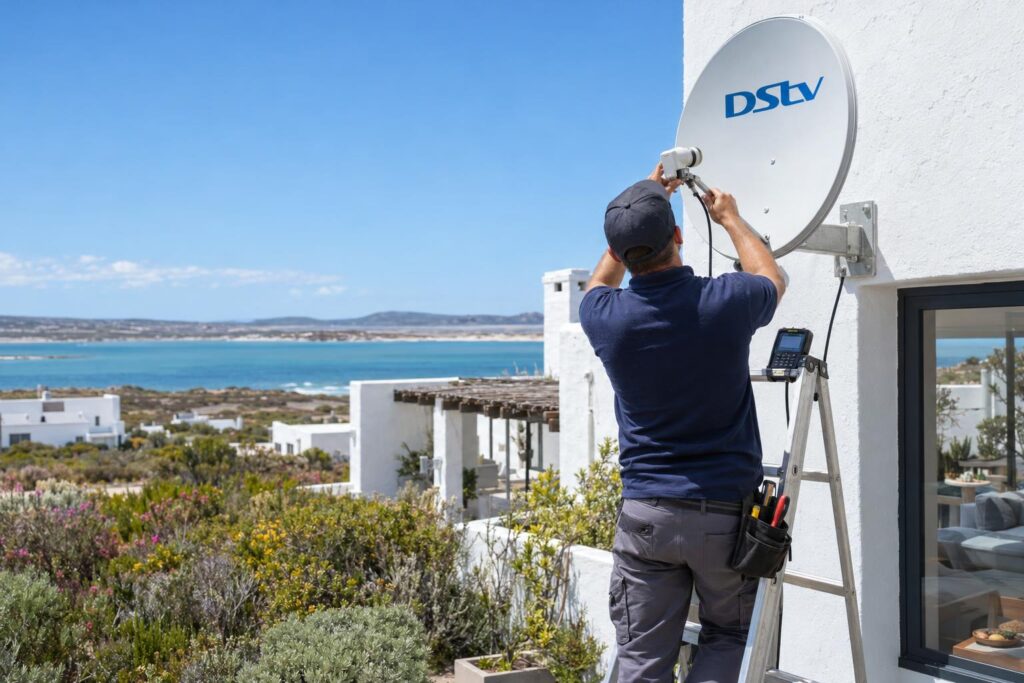
It does not include anything on your roof. It also does not include your monthly subscription, which you can compare in our guide to DStv packages and prices for local households.
The shelf price versus the installed price
DStv publishes each DStv Explora price in two versions. One is the box only. The other includes a standard installation.
A standard installation assumes a simple house, a short cable run and no faults. Many Langebaan homes are not that simple. Double storeys, long runs to a lapa TV and holiday homes that stood empty for months all add work.
Where the extra money usually goes
- A Smart LNB, if your dish still has an older LNB.
- New coaxial cable, when the old run has corroded or cracked.
- A new bracket, if the old one has rusted in the salt air.
- Labour for a hard roof, a steep pitch or a hidden cable route.
- Getting the decoder onto your WiFi, so Catch Up and apps work.
DStv Explora price in October 2026: Ultra vs 3A
Here are the official recommended retail prices from DStv at the time of writing (October 2026). Retail specials come and go, so always check the date on any advert.
| Item | Explora 2A/3A | Explora Ultra |
|---|---|---|
| Box only (RRP) | R999 | R2,499 |
| With installation (RRP) | R1,999 | R3,699 |
| Decoder insurance | R35 per month | R39 per month |
| Recording space | Up to 110 hours | Up to 110 hours |
| Internet connection | USB WiFi Connector or network cable | Built-in WiFi or network cable |
| Picture | Up to 1080i | Up to 4K HDR, where available |
These figures come from the DStv help page that compares the Explora Ultra with the 2A/3A. DStv also mentions contract options, which change the upfront DStv Explora price but not the monthly bill.
What the Explora Ultra adds
Without internet, both models do the same core things. You can pause live TV, record shows and use the 8 day TV guide.
Connect the Ultra to the internet and it adds the DStv app, more Catch Up and access to Netflix and Prime Video. Those two apps need their own paid subscriptions. If streaming on the decoder matters to you, our guide to streaming on the Explora explains what to expect.
When the older Explora 3A still makes sense
The 3A records just as much and costs far less. It suits a household that mostly watches live sport and records a few series.
It needs a separate USB WiFi Connector or a network cable for internet. If you never plan to stream, that hardly matters.
What pushes the DStv Explora price up at a Langebaan home
This is where most surprises come from. The box is the easy part of the DStv Explora price. The setup on the roof and behind the TV is what changes the total.
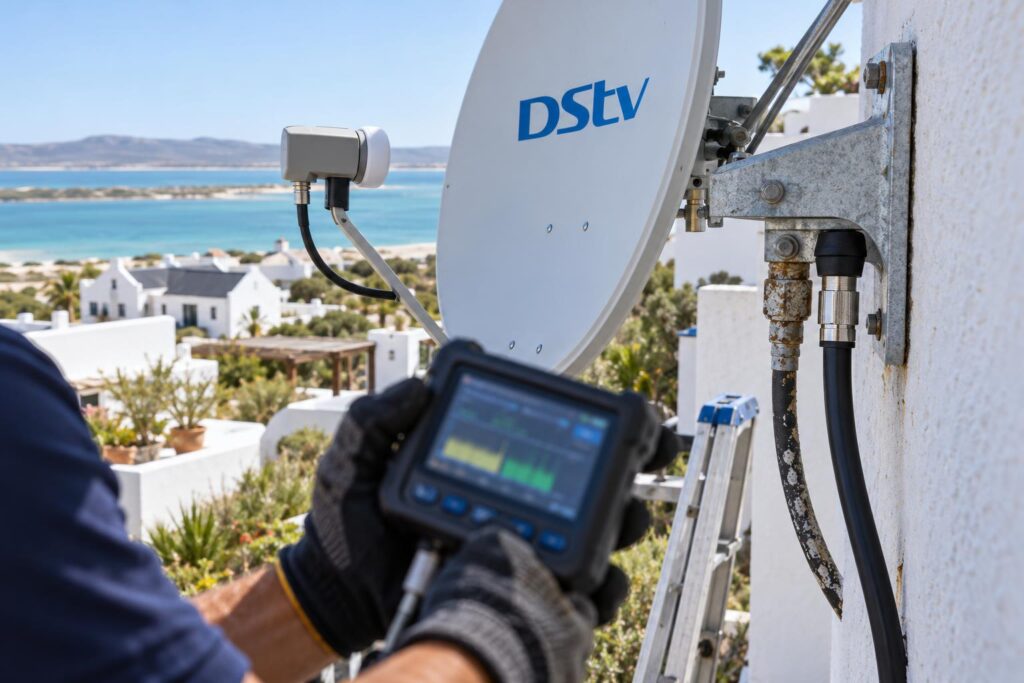
Every proper DStv installation in Langebaan starts with a signal test, because we need to know if your existing dish is good enough.
An old LNB that must become a Smart LNB
DStv specifies an 80cm dish and a Smart LNB for every Explora. Many older homes in Langebaan town still have a standard LNB from the first install.
If the dish itself is sound, we keep it and only change the LNB. If the dish is bent or the bracket is rusted through, our guide to the DStv dish price shows what a replacement involves.
Salt air, wind and tired cable
Homes near Calypso Beach and the Shelley Point side get salt spray almost every day. Connectors turn green, cable jackets crack, and moisture creeps inside.
The southeaster also nudges dishes out of line over time. An Explora on a weak signal still freezes, so we check the whole chain. Our post on dish alignment basics explains why a few degrees matter so much.
WiFi where the decoder sits
Live satellite TV needs no internet. Catch Up, the DStv app and streaming do.
In some complexes, the router sits at the front door and the TV is in a back room. A short network cable or a better WiFi point often fixes that for far less than people fear.
Local tip: In complexes such as Langebaan Country Estate, ask the managing agent first if you share a communal dish. A shared system changes how your Explora is connected, so the installer must know before the visit.
Want a clear Explora quote for your home?
Send us a photo of your dish and your TV area. We will tell you what can stay and what needs replacing before we arrive.
Explora price per month: the costs that keep coming
The upfront DStv Explora price is only part of the story. There are three monthly costs to plan for.
- Your package. This is your normal DStv subscription.
- The Access Fee. DStv charges this for the recording ability on a PVR decoder such as the Explora. Check the current amount on your MyDStv account.
- Insurance, if you want it. R39 a month for the Ultra and R35 for the 2A/3A, at the time of writing (October 2026).
If you link a second decoder in XtraView, DStv says the same Access Fee covers that extra viewing room. So in many Explora homes, a second linked TV adds no extra monthly fee.
Internet is the hidden monthly cost. Catch Up uses data when you download shows. If Catch Up stops loading, our guide on DStv Catch Up not working covers the usual causes.
Load shedding and power
An Explora can take a while to start up again after the power returns. During an outage, a router UPS keeps your internet alive, but it will not run the decoder or TV.
If you want TV through outages, you need a properly sized backup for the TV, decoder and router together. Keep it ventilated. A closed cabinet with an inverter and a decoder gets hot quickly.
How to get a fair DStv Explora price: our step list
You do not need to be technical to get a fair deal. Follow these steps and you will compare quotes like for like. The DStv Explora price you agree to should then be the price you pay.
- Decide on the model. Choose the Ultra if you stream. Choose a 3A if you only record and watch live TV.
- Take three photos. One of the dish, one of the LNB up close and one of the back of your TV area.
- Count your TVs. Tell the installer if you want a second room now or later.
- Ask for an itemised quote. It should list the decoder, LNB, cable, bracket, labour and activation separately.
- Ask what happens if the dish fails the signal test. A good installer tells you the cost before work starts.
- Write down what you are recording. Recordings stay on the old decoder, so watch what matters before the swap.
Our Explora installation service covers the Smart LNB, setup of recording and Catch Up, and a walk through of every feature before we leave.
On our own price guide, an Explora setup starts from R2,200, and equipment costs are additional. The final figure depends on what we find on site, and we confirm it before any work begins.
Buying a second-hand Explora in Saldanha or Vredenburg
Facebook groups across Saldanha and Vredenburg often list used Explora decoders. Some are a good buy. Others carry problems you cannot see.
Checks before you pay a private seller
- Get the smartcard number from the seller and ask DStv if it can move to your account.
- Make sure it is not blocked on an insurance claim or linked to unpaid fees.
- Watch it record and play back a show before money changes hands.
- Check the remote, the power supply and the HDMI port.
A low DStv Explora price means nothing if the hard drive fails a month later. Once you own it, our guide on how to activate a DStv decoder walks you through getting it running on your account.
When to call our Langebaan Explora installers
Some jobs are fine to do yourself. Plugging in a new Ultra on a recent Smart LNB install is often one of them, and it keeps the DStv Explora price close to the shelf figure.
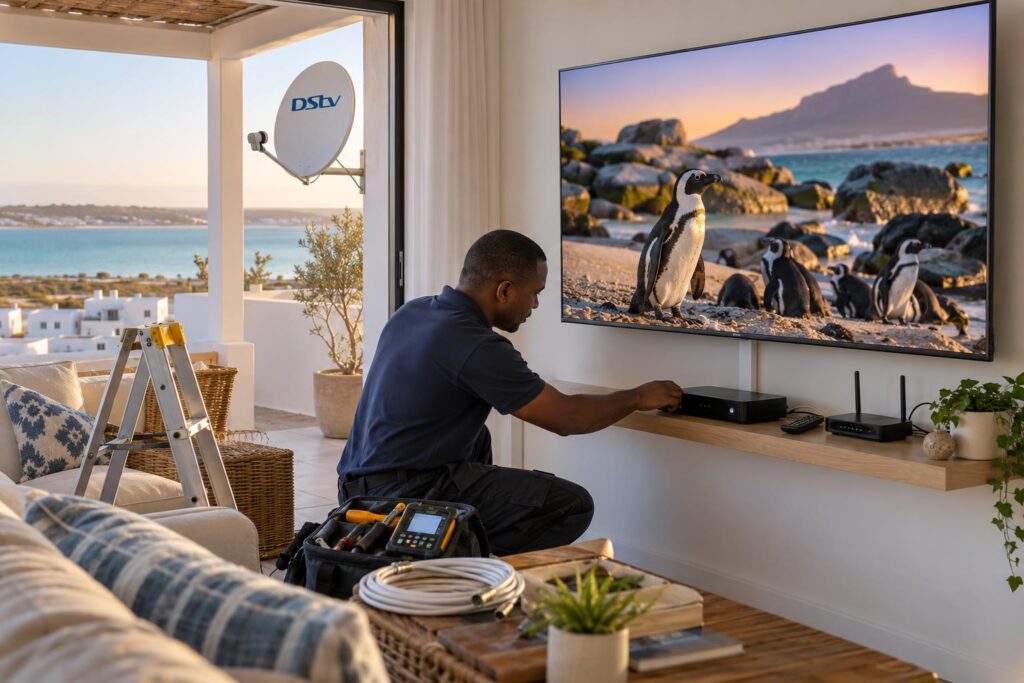
Call a technician when any of these apply:
- Your dish still has an old LNB, or you are not sure which one you have.
- The picture freezes in wind or rain on your current decoder.
- You want a second room linked to the Explora.
- The cable runs through a roof, wall or ceiling.
- It is a holiday home and you need it working before guests arrive.
Our local DStv installers in Langebaan also cover farms and smallholdings further out on the West Coast, where cable runs are longer and the dish often sits on a pole.
We test the signal with a meter, not by eye. We show you how to record a series, pause live TV and find Catch Up. Then we leave the area neat, with no loose cable on the floor.
Ready for your new Explora?
Tell us which model you want and where your TV is. We will give you a straight answer on cost, often with a same-day slot.
DStv Explora price FAQ for Langebaan
What is the DStv Explora price in Langebaan?
At the time of writing (October 2026), DStv lists the Explora Ultra at R2,499 for the box only and R3,699 installed. The Explora 2A/3A is listed at R999, or R1,999 installed. Your final cost depends on your dish, LNB and cable condition.
Is there a DStv Explora price per month?
You do not pay a monthly fee for the decoder itself. You pay your normal package plus an Access Fee for the recording ability. Decoder insurance is optional, at R39 a month for the Ultra at the time of writing.
Does the DStv Explora price include a dish?
The box-only price does not. It covers the decoder, remote, power supply and HDMI cable. If you need a dish, Smart LNB or new cable, that is extra.
Does the DStv Explora Ultra have WiFi?
Yes, the Ultra has built-in WiFi and can also use a network cable. The older 2A/3A needs a USB WiFi Connector or a network cable instead.
What is the difference between the Explora and the Explora Ultra?
Both record up to 110 hours and pause live TV. The Ultra adds 4K HDR where available, built-in WiFi and access to apps like Netflix and Prime Video. Those apps need their own subscriptions.
Will my recordings move to a new Explora?
No. Recordings are stored on the old decoder's own hard drive. Watch anything important before you swap.