Quick answer: If you have DStv Catch Up not working while live channels play fine, the fault is almost never the dish. Check that your Explora is online, test the internet at the TV with your phone, then restart the decoder and router properly. If shows are missing rather than failing, leave the decoder in standby overnight so new titles can download, and check that your package includes Catch Up.
Most cases of DStv Catch Up not working Langebaan homeowners tell us about come down to three things: the decoder has dropped off the WiFi, the internet is weak at the TV, or the decoder was switched off when new shows were sent. You can check all three yourself in about 15 minutes. We check them in the same order on a call-out.
Key points before you start
- Catch Up lives on an Explora or Explora Ultra. A basic HD decoder has no hard drive to store it.
- Some Catch Up titles arrive by satellite. Extra titles download over your internet.
- With DStv Catch Up not working but live TV fine, the dish is doing its job for live viewing.
- Switching the decoder off at the wall every night stops new titles from arriving.
- Catch Up is only available on selected packages.
What you need before DStv Catch Up will work
On an Explora, Catch Up mixes shows recorded to the hard drive for you by satellite with extra titles downloaded over the internet. So you need the right box, a connection and the right package.
The right decoder
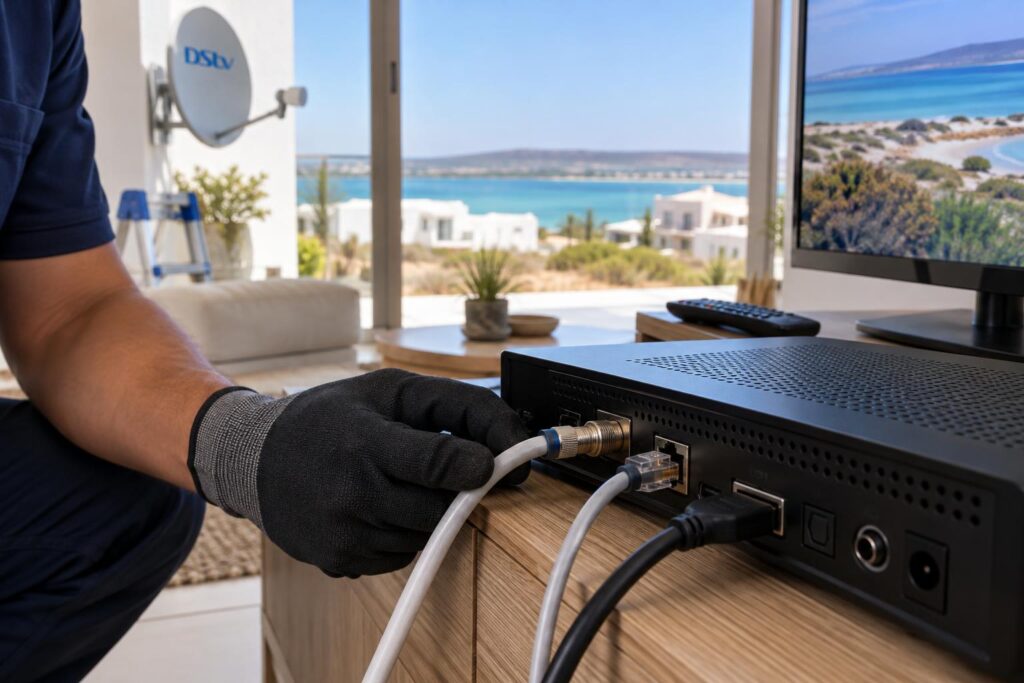
You need a DStv Explora or Explora Ultra. Catch Up shows are stored on their hard drive. A standard HD decoder cannot store them.
If you are still on an older box and want Catch Up, our team handles DStv Explora installation with the Smart LNB set up and tested at the same visit.
An internet connection at the TV
The older Explora connects with an Ethernet cable or the DStv WiFi Connector, a small USB dongle. The Explora Ultra has WiFi built in and also takes a cable. DStv recommends an uncapped line with at least 2Mbps, and 10Mbps or more for the best experience.
A package that includes it
DStv says Catch Up is available on selected packages. After a downgrade, some titles disappear. That is not a fault.
How to fix DStv Catch Up in 7 steps
Work through these in order whenever you find DStv Catch Up not working. Stop as soon as it comes back.
- Check live TV. Change to a few channels. If they play cleanly, the dish side is fine for now.
- Check the decoder is online. Press the DStv button, open Settings and look at the connection status. Then check that Connected Services are turned on.
- Test the internet at the TV. Stand next to the TV, join the same WiFi on your phone, switch mobile data off and open a video.
- Restart properly. Put the decoder in standby, wait 30 seconds, then switch it off at the wall. Restart the router too. Give both a few minutes to come back.
- Clear errors on the account. Use the MyDStv app, DStv WhatsApp on 060 060 3788 or the USSD code *120*68584#.
- Check your package. Make sure your current package includes the shows you are looking for.
- Leave it in standby overnight. This gives the decoder time to receive new Catch Up titles by satellite.
Most households get Catch Up back by step 4. If a step fails, the sections below explain why.
DStv Catch Up not working because the decoder is offline
This is the most common reason we find DStv Catch Up not working. A decoder quietly drops off the network and shows no warning until you open something that needs the internet. Live TV carries on as normal, so nobody notices.
Typical triggers we see in Langebaan homes:
- A new router after a fibre or wireless upgrade, with a new WiFi name or password.
- Someone changed the WiFi password and forgot the decoder.
- The router sits at the front of the house and the TV is at the back.
- The WiFi Connector was knocked loose behind the TV cabinet.
DStv Catch Up not working on Explora with a WiFi Connector
If the decoder shows a WLAN message, it cannot find your network. DStv advises moving the WiFi Connector closer to the router and checking that the router is on. Then plug the dongle in firmly and reconnect.
Explora Ultra connection drops
The Ultra's built-in WiFi still needs a decent signal where the TV stands. A long single-storey house in Langebaan Country Estate, or a double-storey near Calypso Beach, can lose a lot of signal through brick and concrete floors. A network cable or a wired access point fixes this for good, and that is what our WiFi and network installation service is built around.
Local tip: With DStv Catch Up not working, do the phone test right next to the TV, not at the router. If your phone struggles to play a video in that spot, the decoder will struggle more.
Catch Up not showing all shows or not downloading
Sometimes Catch Up opens fine but the list looks thin, or an episode is missing. The Explora gets many of its Catch Up titles by satellite, so the decoder has to be powered and receiving signal when they are sent.
Why switching off at the wall matters
Many people switch the decoder off at the plug every night to save power. DStv Care has said a catalogue that is not updating usually means the updates are not reaching the decoder, often because it was switched off when they were sent. Leave it in standby instead, and give it a night or two to catch up.
A new Explora starts with an empty Catch Up list. DStv says titles start downloading once installation is complete.
When the satellite signal is the problem
Live TV can look fine while the signal margin is thin. A dish that has been pushed slightly by wind can still show a picture, yet struggle to receive large downloads cleanly. If you also see blocks, freezing or sound dropping out, read our guide on DStv picture freezing or pixelating, because the cause is often the same.
Downloads that start and then stall
Extra titles that download over the internet need a steady line more than a fast one. Several people streaming at once or a cheap plug-in extender can make downloads crawl. Remember that data charges apply, so a capped connection runs out quickly.
Steps 4 to 6: restarts, account errors and packages
If the decoder is online and the internet is healthy, a proper restart sorts out most cases of DStv Catch Up not working. Pressing standby on the remote is not a restart.
A clean restart, not a factory reset
Put the decoder in standby first, wait 30 seconds, then switch off at the wall. While it is off, restart the router. Power the decoder on last and let it settle, as it may pull a software update.
Do not jump to a factory reset. It wipes your settings and network details, and it rarely fixes a problem that a normal restart did not. If the decoder will not come back on at all, our checklist for a decoder that won't turn on covers the safe checks.
Clear errors with the MyDStv app
After a suspended account is reconnected, DStv Catch Up not working for a while is common, because connected features lag behind live channels. Clear errors through the MyDStv app, the DStv WhatsApp line on 060 060 3788 or the USSD code *120*68584#. These options are listed on the official DStv contact and self-service page. Leave the decoder on while the signal is sent.
Check what your package includes
Sometimes DStv Catch Up not working is really a package change, which quietly removes some titles. Shows also rotate on and off as broadcast rights change. Compare what you have against our plain guide to DStv packages and prices before you assume the decoder is faulty.
Still no Catch Up after the 7 steps?
Our technicians test the decoder, the network at the TV point and the dish signal in one visit, so you are not paying for guesswork.
Why DStv Catch Up is not working in Langebaan: local factors
We have worked on decoders from Myburgh Park to Saldanha and Vredenburg. The same local conditions show up again and again behind DStv Catch Up not working complaints.
Wind, salt and sand on the dish
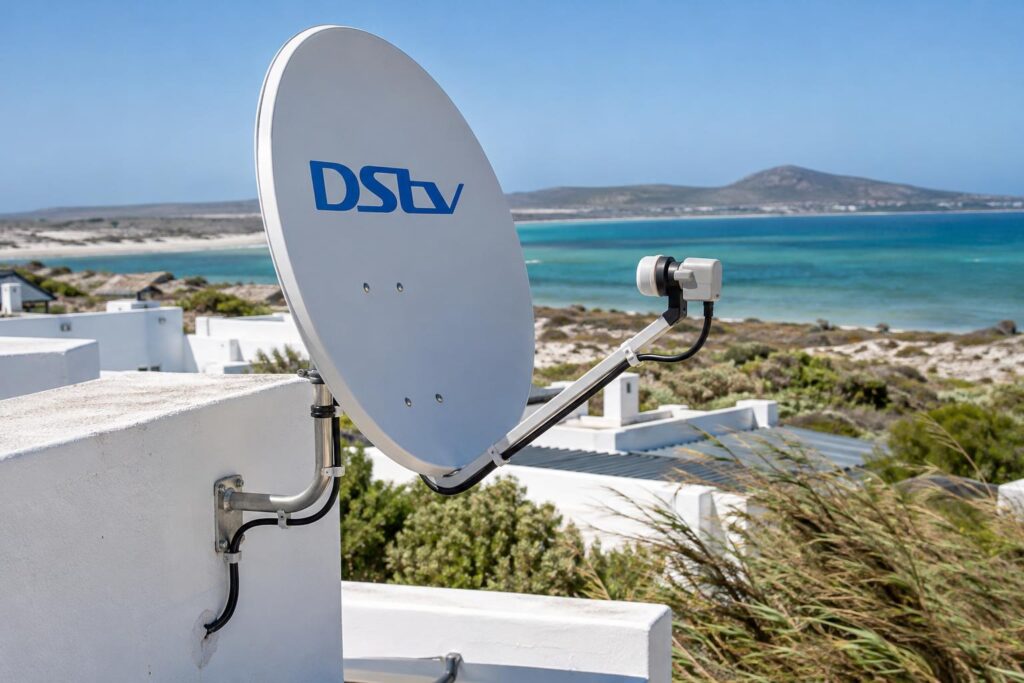
The summer south-easter pushes hard on dishes, especially on exposed roofs near the lagoon. Salt air corrodes connectors and loose brackets over time. A dish can drift just enough to weaken the signal without killing live TV, and satellite Catch Up downloads suffer first.
Holiday homes and rentals
Holiday homes in Club Mykonos and along the lagoon often sit empty for weeks with everything switched off. When the family arrives, the router may be off, the WiFi password may have changed, and the Catch Up list is out of date. Leave the decoder in standby and the router on, and our guide to DStv for lagoon-side holiday rentals covers a guest-friendly setup.
DStv Catch Up not working after load shedding
Many homes put the decoder on an inverter but not the router, or the other way round. Live TV then works, with DStv Catch Up not working until the router is back. Put both on backup power, and follow our steps to recover DStv after load shedding when the power returns.
Complexes, estates and farms
Townhouse complexes and estates often share a dish system, so a fault can sit on a shared line rather than in your unit. On farms and smallholdings outside town, or out towards the Shelley Point side, the internet may be fixed-wireless or mobile data with a cap. Catch Up downloads eat data fast there. Our comparison of DStv Stream vs a decoder helps you weigh that up.
When to call a technician, and what it costs
Call us if you still have DStv Catch Up not working after the steps, if live channels also fail, if the decoder will not hold a network connection, or if the Catch Up list stays empty after two nights in standby.
| Symptom | Likely cause | Try first |
|---|---|---|
| Catch Up will not open, live TV fine | Decoder offline or weak WiFi | Steps 2 to 4 |
| Shows missing or list not updating | Decoder off at the wall, weak signal | Standby overnight, check dish |
| Downloads stall halfway | Slow or unstable internet | Phone test at the TV |
| Titles gone after a bill change | Package downgrade | Check package |
| Live TV also broken | Dish, LNB or cable fault | Call a technician |
As listed on our pricing, a repair or diagnostic call-out starts from R550, and an Explora setup starts from R2,200. Equipment is extra, and we confirm the price before any work starts. For DStv installation in Langebaan and repairs, we quote on what we find.
Want Catch Up working before the weekend?
Same-day visits are often available across Langebaan, Saldanha, Vredenburg and the West Coast.
Prefer to speak to someone local first? Our Langebaan DStv installers will talk you through the checks by phone. The official DStv Explora quick guide is also worth keeping handy.
In most homes, the fix for DStv Catch Up not working is a reconnected decoder and a better network at the TV. Get those two right and Catch Up tends to stay put.
DStv Catch Up not working: Langebaan FAQ
Why is DStv Catch Up not working when live TV is fine?
Live TV comes from the dish, while extra Catch Up titles come over your internet. The decoder has probably dropped off the WiFi or the connection at the TV is weak. Check the connection status, then restart the decoder and router properly.
Does DStv Catch Up need internet?
Not for everything. An Explora receives some Catch Up titles by satellite, but you need an internet connection for the extra titles. DStv recommends an uncapped line of at least 2Mbps, with 10Mbps or more for the best experience.
Why is DStv Catch Up not showing all shows?
The decoder may have been switched off when new titles were sent, or your package may not include them. Leave the decoder in standby overnight and check what your package covers. Titles also come and go as broadcast rights change.
Why is my DStv Catch Up not downloading?
Downloads stall when the internet at the TV is slow or unstable, or when the decoder keeps losing WiFi. Test a video on your phone right next to the TV. If it struggles, a network cable or access point is the lasting fix.
Can a basic HD decoder get DStv Catch Up?
No. Catch Up on the TV needs an Explora or Explora Ultra, because the shows are stored on a hard drive. A standard HD decoder does not have one.
Does DStv Catch Up use a lot of data?
Yes, it can. DStv notes that data charges apply when the Explora is connected to the internet. An uncapped connection is the safest choice if your household watches a lot of Catch Up.