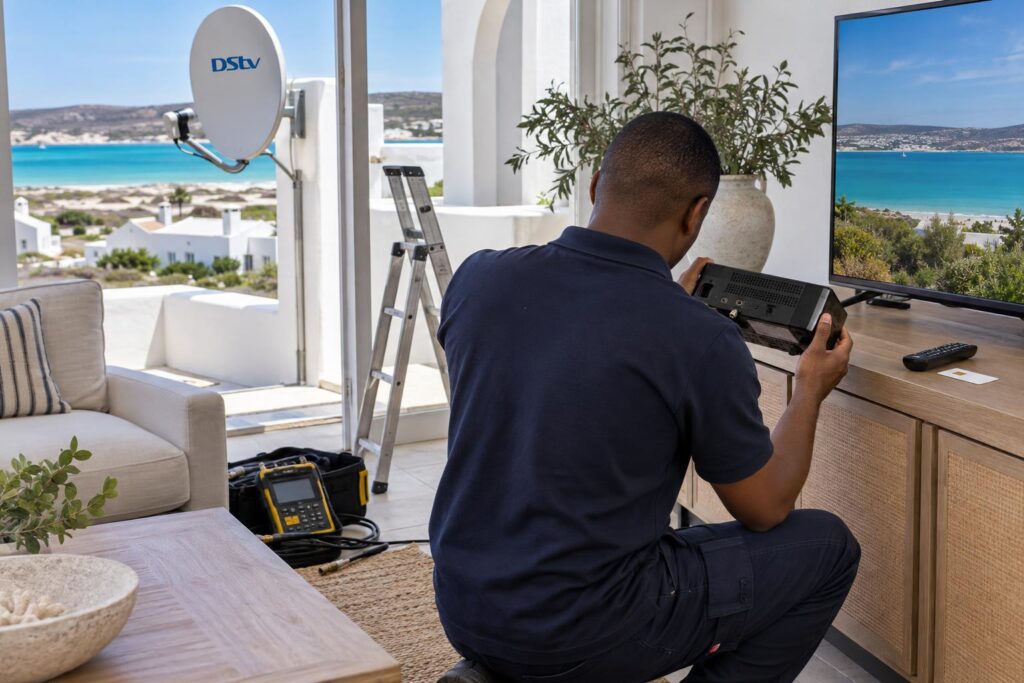
Quick answer: Here is how to activate DStv decoder Langebaan setups in short: switch the decoder on, make sure it has signal from a working dish, and have the smartcard (IUC) number ready. A brand new decoder is added to an account through the DStv call centre, a DStv agent or dealer, or your installer. A decoder that was active before can usually be reconnected, or cleared of errors, on the MyDStv app, on WhatsApp (060 060 3788) or by dialling *120*68584#. Second-hand decoders need a change of ownership first.
Few jobs cause as much head scratching as getting a new box to show channels. This guide explains how to activate DStv decoder Langebaan homeowners buy new or second-hand, and why most failed attempts have nothing to do with the account. We start with the myths we hear on call-outs, then give you the facts, then a checklist.
Key points before you start
- The decoder must be switched on and receiving satellite signal. No signal means no activation.
- You need the smartcard (IUC) number. It is on the card and on the label under most decoders.
- New decoders are added to an account by DStv, an agent or your installer.
- Reconnecting and clearing errors works on the MyDStv app, WhatsApp or USSD.
- Second-hand decoders must be transferred to your name through DStv's change of ownership process.
5 myths about how to activate DStv decoder boxes
Most activation trouble starts with something a friend said, or a forum post from years ago. Here are the five we hear most often in Langebaan, with what is actually true.
| Myth | Fact |
|---|---|
| "Paying is enough. The channels come back on their own." | The decoder must be on and have signal to receive the activation. A box switched off at the wall stays dark. |
| "Any smartcard works in any decoder." | Keep the card with the decoder it came with. Swapping cards between boxes causes errors. |
| "A second-hand decoder works if the seller hands over the card." | The decoder must be transferred to your name through DStv first. |
| "If activation fails, the account is the problem." | On our call-outs, a weak or missing signal is a far more common cause. |
| "You can only sort it out by phoning and waiting in a queue." | Reconnections and error clearing can be done on the app, WhatsApp or USSD. |
If your box shows no lights and no picture at all, activation is not your problem yet. Start with our guide to a decoder that won't turn on, then come back here.
The facts: what a decoder needs before it will activate
Activation is simply DStv sending an instruction to your smartcard, telling it which channels you have paid for. That instruction travels down from the satellite, through your dish and cable, into the decoder.
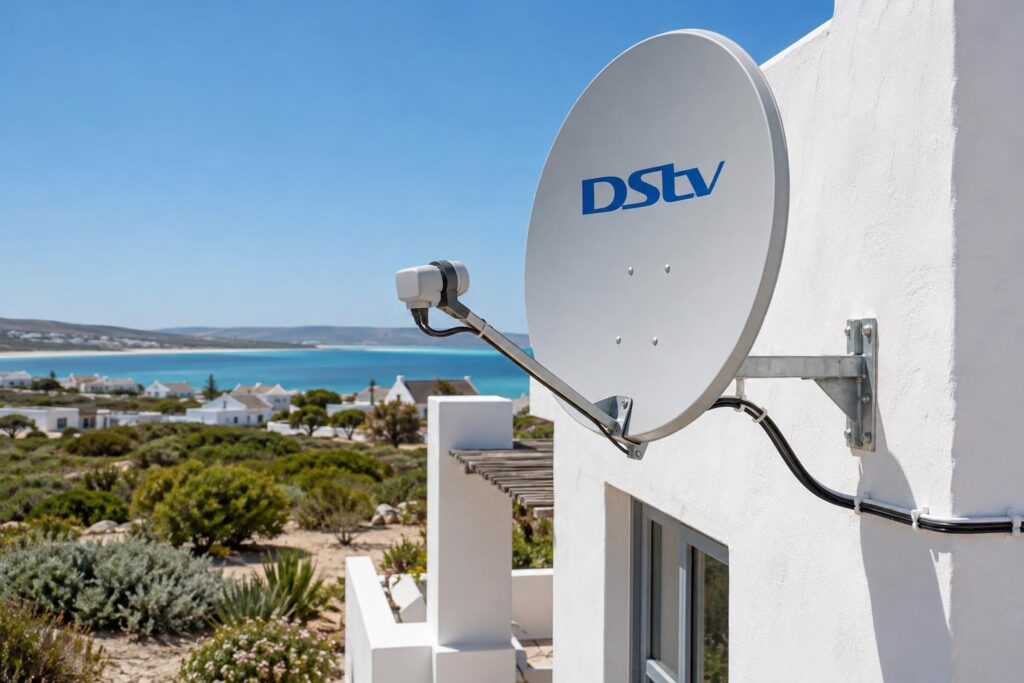
So three things must be in place. If one is missing, no amount of phoning will fix it.
The smartcard (IUC) number
The smartcard number is also called the IUC number. It is printed on the smartcard itself. DStv's own quick start guide for the HD decoder says the IUC and serial number are on the label at the bottom of the decoder.
If the label has faded, you can usually find the number on screen in the decoder's information menu. Write it down before you start. Swapped digits are a common reason a request goes to the wrong box.
A live signal from the dish
If every channel shows a no signal error, the activation cannot reach the box. That is a dish, cable or LNB fault, not an account fault.
This is why our DStv installation in Langebaan always ends with a metered signal test before we activate. A picture that looks fine on a calm day can still be too weak for a windy one.
An account in good standing
The decoder must be linked to an active account with a package on it. Any amount owing, even on a linked decoder you forgot about, can block the request.
Not sure which package to pick? Our guide to DStv packages and prices compares the current options for a Langebaan household.
How to activate DStv decoder units that are brand new
A new decoder from a shop is not linked to anybody yet. DStv's quick start guide tells new customers to visit an agent or dealer, or call DStv, with the details below ready.
- Connect the decoder to the dish cable and the TV, and switch it on.
- Check that channel information or the TV guide appears. That shows the box has signal.
- Write down the smartcard (IUC) number and the decoder serial number from the label.
- Have your personal details ready: ID, cell number and email address.
- Decide which package you want before you call.
- Call DStv or visit an agent, give the numbers and choose your package.
- Leave the decoder on, on a channel, until the picture appears.
How to activate DStv decoder on an existing account
If you already have a DStv account, the quick start guide says you only need to give the call centre the IUC number and the package you want. The Cape Town call centre is (021) 508 2222, open 08:00 to 22:00 every day, including public holidays.
Many homes in Myburgh Park and Calypso Beach do this when they add a second TV room. If the second decoder must share one subscription, that is an XtraView link, and the call centre needs to know.
If we install it, we activate it
DStv recommends an accredited installer for new installations, and says these installations come with a warranty. When we do a new DStv installation, we connect the decoder, help you through activation and run a full channel scan before we leave.
Already have the dish and only need the box set up? Our decoder setup and activation visit covers the connection, the activation call and the channel check.
How to activate DStv decoder boxes bought second-hand
Second-hand decoders are popular around Saldanha and Vredenburg, often sold on when families move or upgrade. They can be good value. They can also be a dead box if you skip one step.
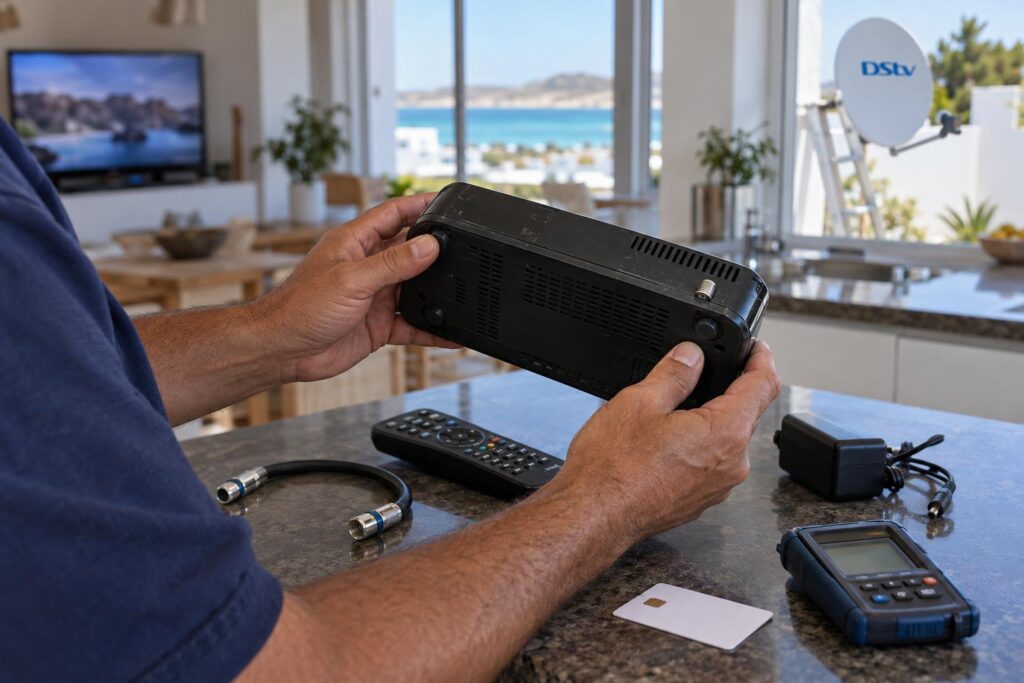
Checks before you pay the seller
- Ask for the smartcard (IUC) number and confirm it matches the card in the box.
- Ask whether the decoder is still on the seller's account, and whether anything is owing.
- Ask whether it was ever linked to another decoder for XtraView.
- See the decoder power on and show channel information before you hand over cash.
That XtraView question matters. A box that was the second decoder in a linked pair can refuse to work alone until it is released. If you are setting one up as a linked pair yourself, our guide to XtraView heartbeat errors explains how that link behaves.
DStv change of ownership online
DStv now handles change of ownership with an online form. It covers decoders received as a gift, inherited or bought second-hand. You choose your scenario, upload the documents asked for, and DStv says you get confirmation within 48 hours.
The form asks for a copy of your ID or driver's licence. If you bought the decoder from a second-hand dealer, keep the proof of purchase. You can start on DStv's change of ownership help page. Once it is in your name, activate it like any other decoder on your account.
Decoder still showing an error after activation?
We meter the signal, check the cabling and stay until the channels come through. One visit, sorted.
Reconnect after payment, E16 errors and the MyDStv app
Most people asking how to activate DStv decoder boxes have one that already worked. The account lapsed, or the box sat unused, and now it shows an error. That is a reconnection, and it is the easiest kind to do yourself.
| Route | Best for | What you need |
|---|---|---|
| MyDStv app | Reconnecting, fixing errors, changing package | Android, iOS or Huawei phone and a registered profile |
| WhatsApp 060 060 3788 | Clearing errors and reconnecting without a call | Type "Hello" and follow the menu |
| USSD *120*68584# | No data, for example during a power cut | The cell number registered on the account |
| Call centre (021) 508 2222 | New decoders and unusual account problems | Smartcard number and ID |
The MyDStv app
DStv says the MyDStv app lets you pay, check your balance, change packages and fix errors. It is the quickest route outside office hours. If the payment has cleared and the screen still shows E16, use the fix errors option and leave the decoder on a channel.
WhatsApp and USSD
On WhatsApp, send "Hello" to 060 060 3788. With USSD, dial *120*68584# from the cell number on the account. Both let you check what you owe, clear errors and reconnect packages.
A payment can take time to reflect, so a dark screen a few minutes after paying is normal. For other messages on screen, our guide to common DStv error codes explains what each one means.
What activation means for Langebaan homes
Activation is the same process everywhere. What changes on the West Coast is everything around it: the wind, the salt, the empty months and the power.
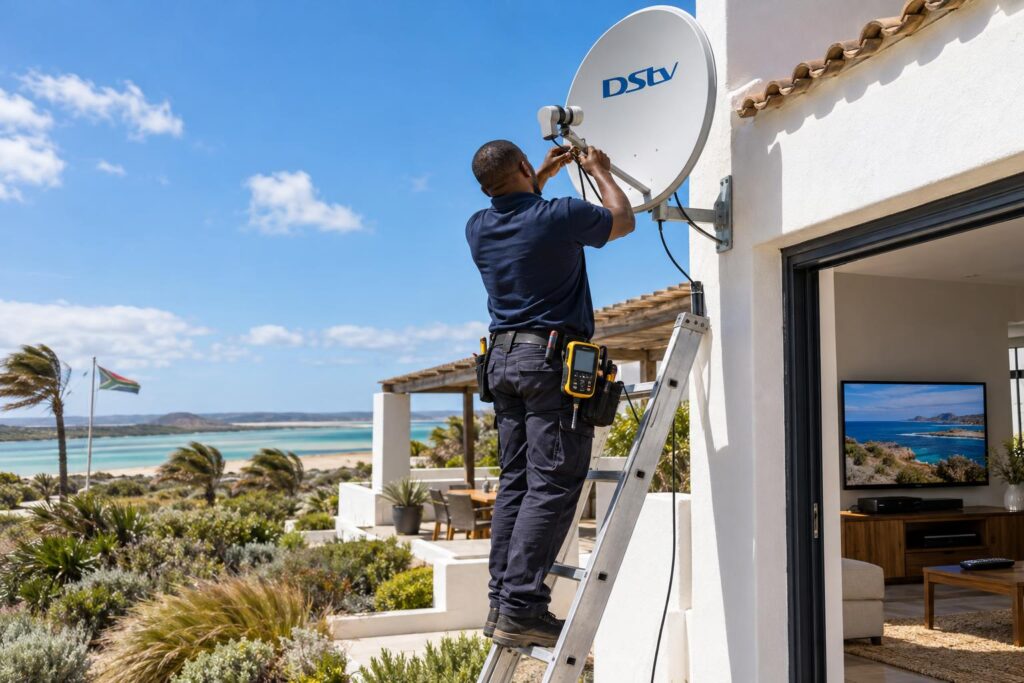
Holiday homes that stood empty
Many houses in Club Mykonos and Langebaan Country Estate stand empty for months. The account may have lapsed, the dish may have shifted in the south-easter and the cable may have corroded.
If you let your place out, our notes on lagoon-side holiday rentals cover how to keep the TV guest-ready. Reconnect at least a few days before guests arrive, not on the morning they check in.
Moving within the West Coast
Moving from Vredenburg to Langebaan, or out towards Shelley Point? Your decoder moves with you, but the dish must be aligned again at the new address. Update your address on the account too.
Our DStv relocation and reconnection service moves the dish, re-aligns it and checks activation at the new home.
Local tip: After a power cut, give the decoder a few minutes to start up fully before you try anything. If you have no data during an outage, the USSD code still works from your cell phone.
Estates and complexes
In estates and complexes, several units often share one communal dish. If your neighbours have signal and you don't, the fault is usually your own cable or wall point. If the whole block is dark, call the body corporate first.
Activation checklist before you call anyone
Run through this list first. Most questions we get about how to activate DStv decoder boxes are answered by it.
- The decoder is switched on at the wall, not in standby.
- The smartcard is pushed fully in, the right way round, with a clean chip.
- Channel information or the TV guide shows, so the signal is reaching the box.
- You have the correct smartcard (IUC) number written down.
- Nothing is owing on the account, including linked decoders.
- Second-hand decoders are transferred to your name.
- You left the box on a channel for a while after the request.
If every box is ticked and the screen is still dark, the cause is usually signal. That is when it pays to call our Langebaan DStv installers for a metered test, rather than phoning DStv again.
Want it activated and working today?
We cover Langebaan, Saldanha, Vredenburg and the West Coast. Tell us your decoder model and what the screen shows.
Have the smartcard number ready when you call. It saves time on the line and gets your channels back sooner.
How to activate DStv decoder: your questions answered
How to activate DStv decoder boxes for the first time?
Connect the decoder to a working dish, switch it on and note the smartcard (IUC) number. Then call DStv or visit an agent with your ID and the package you want. If an accredited installer fits it, they can help you through activation on the day.
Can I activate a DStv decoder online without calling?
For a decoder that was active before, yes. The MyDStv app, WhatsApp on 060 060 3788 and USSD *120*68584# can reconnect packages and clear errors. For a brand new decoder, DStv's quick start guide points you to the call centre, an agent or a dealer.
How long does it take to activate a DStv decoder after payment?
It is often quick, but a payment can take time to reflect on the account. Leave the decoder on and on a channel while you wait. If the payment has cleared and the error stays, use the fix errors option on the MyDStv app.
Can I use a second-hand DStv decoder?
Yes, once it is transferred into your name. DStv's online change of ownership form covers decoders bought second-hand, gifted or inherited, and DStv says it confirms within 48 hours. Check first that nothing is owing on the seller's account.
Why is my DStv decoder not activating?
The most common causes are no signal, a wrong smartcard number, money owing on the account or a decoder still in someone else's name. Check that channel information shows on screen first. If it does not, the dish or cable needs attention before activation can work.
Where do I find the smartcard number on my decoder?
It is printed on the smartcard itself. On the HD decoder, DStv says the IUC and serial number are on the label at the bottom of the box. You can also find it in the decoder's information menu on screen.