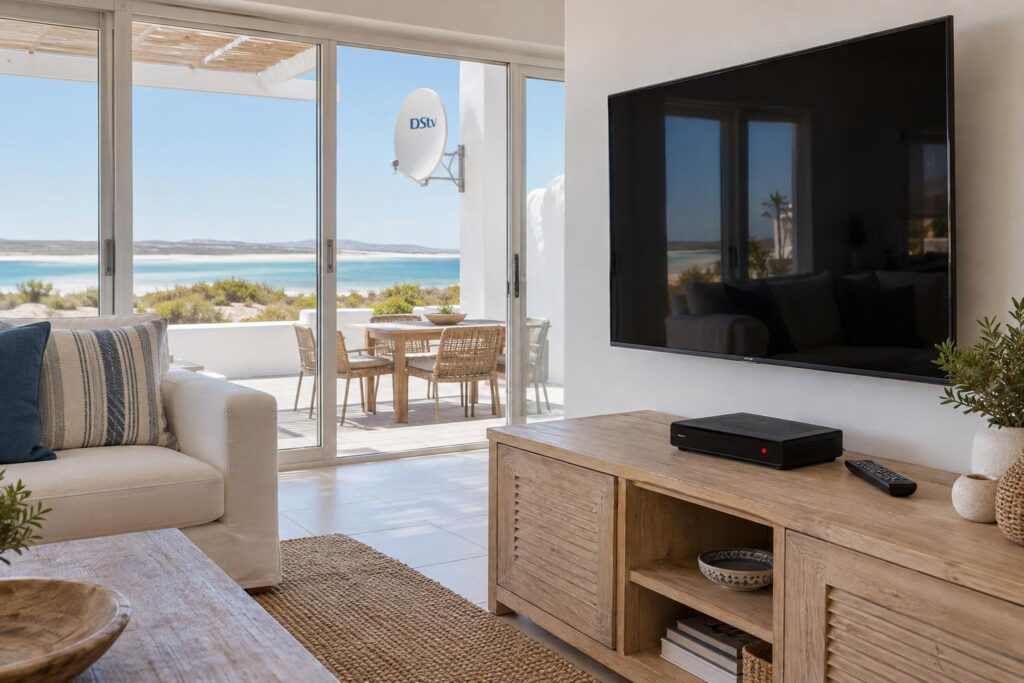
Quick answer: If your DStv decoder won't turn on, first look at the light on the front panel. No light at all usually means a power problem: the socket, the multiplug or the external power supply. A solid red light means the decoder has power and is only in standby, so press the standby button on the decoder itself. If a known good socket and a one minute power off do not bring it back, the decoder or its power supply needs testing.
When your DStv decoder won't turn on, Langebaan evenings get very quiet, very fast. The good news is that many "dead" decoders are not dead at all. We see loose plugs, tripped multiplugs and stuck standby far more often than real hardware failure. This guide helps you find the cause and spend money only where it is needed.
Key points before you start
- The front panel light tells you more than anything else. Note its colour first.
- No light means no power reaching the decoder. Start at the wall socket.
- Solid red means standby. That is a working decoder waiting for a command.
- Never open the decoder. The manufacturer says tampering voids the warranty.
- Salt air, heat and power trips after load shedding are the usual West Coast culprits.
DStv decoder won't turn on: the first decision
When a DStv decoder won't turn on, look at the small light on the front before you touch anything. That one light splits the problem into three very different jobs.
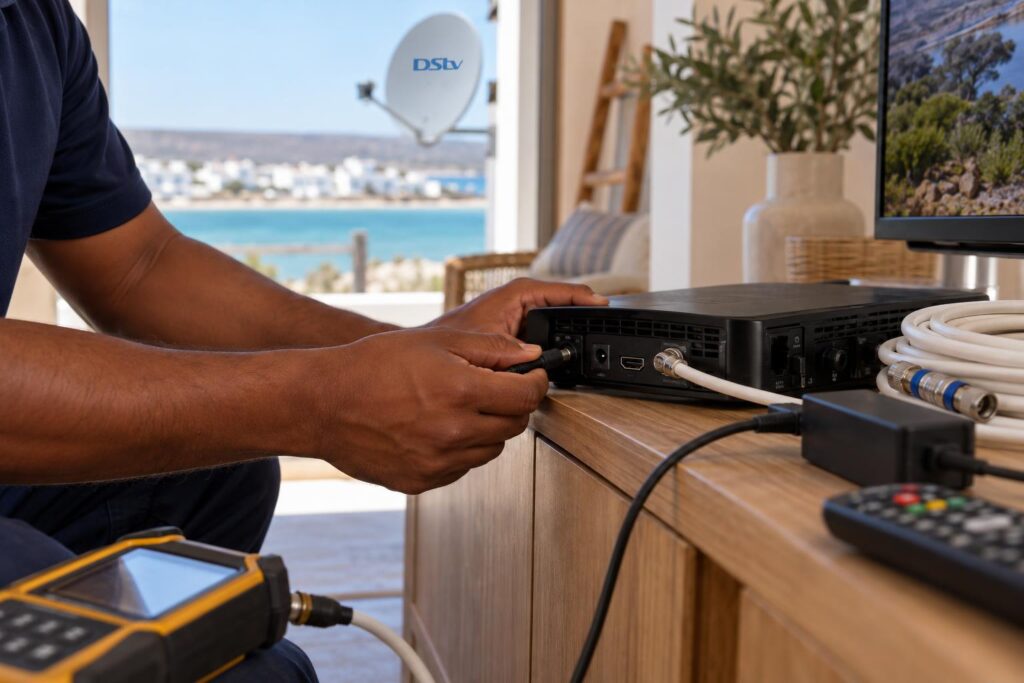
According to the official DStv guides, a solid red light means standby, solid green means the decoder is tuned to a channel, and flashing red signals an error. A quick green blink simply shows that the decoder received a button press from the remote.
No light at all on the front panel
This is a power problem until proven otherwise. The cause sits somewhere between the wall socket and the decoder's power input.
Solid red light that will not go green
The decoder has power and is sitting in standby. Often the remote is the real issue, because flat batteries make a healthy decoder look dead.
Flashing red light or a decoder that keeps cutting out
Flashing red points to an error, not a power failure. A decoder that switches itself off after a few minutes often has a heat problem or a tired power supply.
Seven checks to do before you call us
If your DStv decoder won't turn on, work through these in order. Each one takes a minute or two, and many clients in Myburgh Park and Langebaan town never need a technician afterwards.
- Test the wall socket. Plug in a lamp or phone charger. If that does not work either, the problem is the circuit, not the decoder.
- Skip the multiplug. Plug the decoder straight into the wall. Multiplugs fail quietly, and their switches get knocked off.
- Check both ends of the power cable. Push both plugs in firmly. Look for kinks, chewed cables and a cracked power brick.
- Press the standby button on the decoder. Use the button on the front panel, not the remote. If the decoder wakes up, change the remote batteries.
- Do a proper power off. Switch off at the wall, unplug, and wait about a minute. Then plug in, switch on and give it a few minutes to load. An Explora can take a little longer than an HD decoder.
- Reboot with the standby button. The official guides say you can press and hold the standby button for a few seconds to reset (reboot) the decoder.
- Feel for heat. A DStv decoder that won't turn on after a hot afternoon may just need to cool down completely.
If none of these steps work, note what the light did at each step. That saves time when our technician arrives. If the decoder powers on but you only get a frozen or blocky picture, the fault is different, and our guide to DStv picture freezing or pixelating is the better place to start.
Why your decoder won't turn on after load shedding
Power cuts are hard on decoders. When the power returns, the supply can spike or flicker, and a decoder can get stuck half way through starting up. Sometimes an inverter only feeds certain plugs, so the decoder sits on a dead socket.
Wait for the power to settle before you switch anything on. We explain the right restart order after load shedding in a separate guide.
Local tip: Holiday homes in Calypso Beach and Club Mykonos often sit with the power off at the board for weeks. When you arrive, switch on the board, wait a few minutes, then switch on the decoder. On the first night of a holiday, a DStv decoder that won't turn on is often just a tripped circuit.
Repair, power supply or new decoder? Compare your options
Once the home checks are done, you have four realistic paths. The table shows when each one makes sense, and we will tell you honestly when a repair is not worth it.
| Option | When it fits | What to expect |
|---|---|---|
| Home checks only | Loose plug, tripped multiplug, flat remote batteries, stuck standby | No cost. Most power faults end here. |
| Replace the external power supply | Socket is live, cable looks fine, but there is still no light | Use the correct DStv power supply. The decoders run on 12 V DC from an external unit. |
| Technician fault-finding visit | You cannot tell if it is the power supply, decoder, socket or cabling | We test the whole chain and quote before any parts are fitted. |
| Replace or upgrade the decoder | The decoder stays dead with a known good power supply | A new decoder needs setup, linking to your account and a signal check. |
The power supply route is the one people most often get wrong. The official guides say the decoder must be used with the supplied power supply. A cheap universal adapter can damage the decoder and affect the warranty.
When you are not sure which part has failed, our DStv signal repairs and fault-finding service covers the full path from the wall socket to the dish.
Faults that look like a DStv decoder that won't turn on
- The TV is on the wrong HDMI input after someone used a gaming console or streaming stick.
- The HDMI cable has worked loose behind a wall mounted TV.
- The decoder is on, but shows a signal error that you cannot see on a black screen.
Decoder still dead after the checks?
Send us a photo of the front panel and tell us what the light is doing. We will tell you whether it sounds like a power supply, a decoder or something simpler.
What it costs when a DStv decoder won't turn on in Langebaan
The cost when a DStv decoder won't turn on depends on what failed. A loose plug costs nothing. A failed decoder means a replacement, and that is where the real money goes.
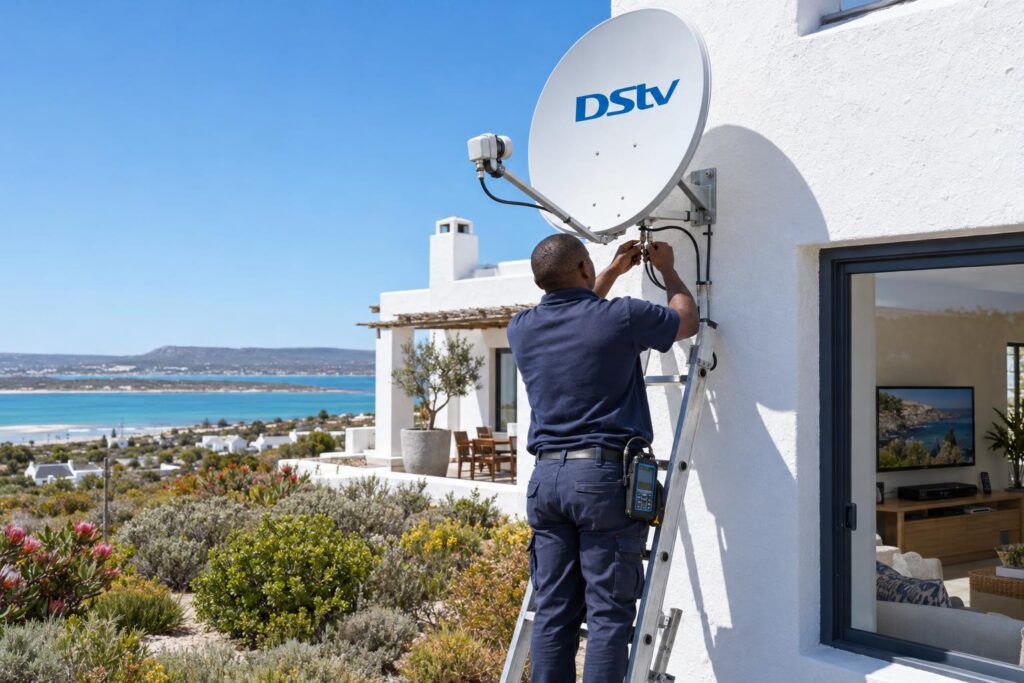
Our repairs and call-outs start from R550, covering a diagnostic visit and signal testing. A basic installation starts from R800, and an Explora setup starts from R2,200. These are estimates, equipment is extra, and the final price depends on your property. You can see how those prices are built up in our guide to what an installation costs in Langebaan.
When a repair visit is worth it
- The decoder is fairly new and still under warranty.
- You suspect the power supply, socket or cabling rather than the decoder itself.
- The decoder dies only on hot afternoons, which points to heat and placement.
When upgrading makes more sense
If an older decoder has failed for good, we usually suggest a newer model rather than a second hand box. Compare current Explora and Explora Ultra prices before you decide, and remember that any retail price you see does not include proper setup.
Getting a replacement decoder installed properly
A new decoder is only as good as the way it is connected. Replacement decoders fail early when they go into the same hot cabinet that killed the last one.
Booking our team for DStv installation in Langebaan means the new decoder is connected, tested in every room and placed where it can breathe.
The decoder must also be linked to your account. If you prefer to do that yourself, our guide explains how to activate a replacement decoder step by step.
Where the decoder sits matters on the West Coast
The official guides ask for at least 10 cm of free space above and to the sides of the decoder. They also say not to stand it on carpet, near a heater or in direct sun, and never to stack other equipment on top of it or under it.
That last rule gets broken all the time. In Langebaan Country Estate homes, we often find the decoder on top of a router in a closed cabinet facing a sunny window. On a hot berg wind day, that cabinet becomes an oven, and the decoder won't turn on until it cools.
Protecting it from power trips and salt air
The manufacturer recommends surge protection where there is lightning risk. On the coast, we also look at salt and moisture, which corrode plugs and connectors in homes close to the water on the Shelley Point side and around Saldanha.
- A good quality surge protector, plugged straight into the wall.
- A power point within easy reach, so you can switch off at the wall.
- Cables tied neatly so the power plug cannot be pulled half out.
Mistakes that turn a dead decoder into a bigger bill
Most of these come from good intentions. When a DStv decoder won't turn on before the rugby, people try anything.
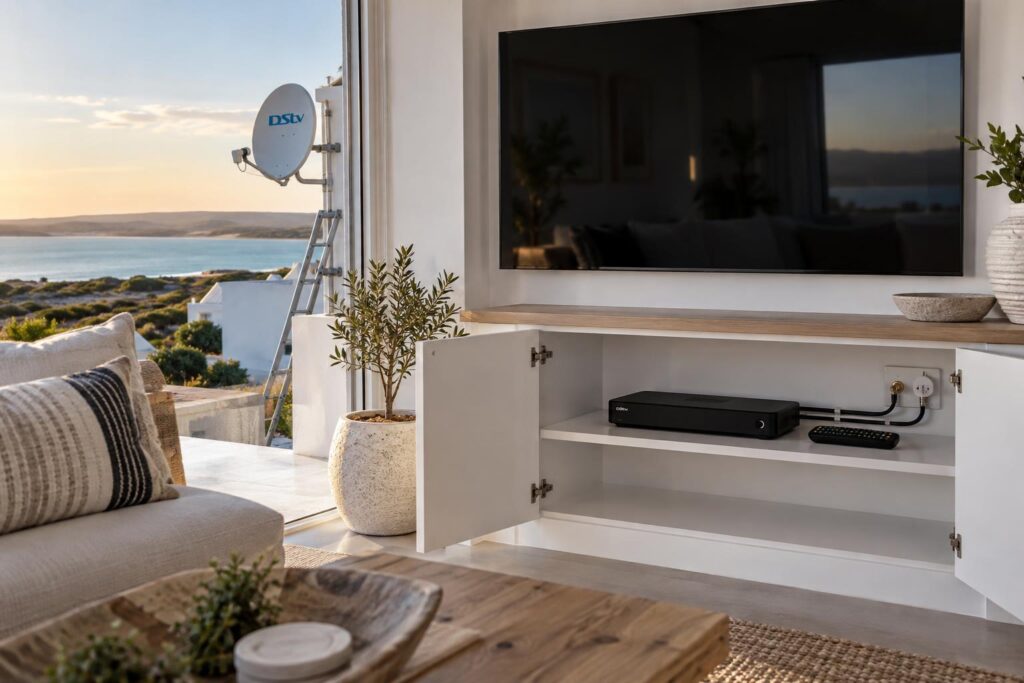
- Opening the decoder. The manuals say never remove the cover. It voids the warranty and there are parts inside you should not touch.
- Using a random adapter. The wrong power supply can finish off a decoder that only needed a new brick.
- Moving an Explora while it is on. The Explora guide says to put it in standby and wait 30 seconds before you disconnect it, to protect the hard drive.
- Doing a factory reset too soon. A reset can remove settings without fixing a power problem.
- Buying a new decoder before testing the old one. A failed power supply or socket is much cheaper to fix.
Multi-room homes have one extra trap. If one decoder in an XtraView setup dies and gets replaced, the new one must be linked again, or the second room will start showing errors. Our guide to XtraView heartbeat errors and fixes covers that side of things.
DStv decoder won't turn on at all? When to call a technician
Some signs mean you should switch off at the wall and leave it alone. Do that straight away if you smell burning, hear buzzing from the decoder or its power brick, or see scorch marks or water damage.
Call us too if your DStv decoder won't turn on with a working socket and the correct power supply. For homes further out in Vredenburg, Saldanha and the rest of the West Coast, our local DStv installers in Langebaan plan routes so we can often combine a visit with nearby jobs.
When you call, tell us the decoder model, the light colour, and what changed just before it stopped. A power cut, a move or a new TV often points straight to the cause.
Get your decoder back on
Our team covers Langebaan, Saldanha, Vredenburg and the West Coast. Tell us what the front light is doing and we will quote before we start.
For the light meanings and safety notes we used, see the official DStv Explora user guide.
DStv decoder won't turn on: Langebaan FAQ
Why won't my DStv decoder turn on?
The most common causes are a dead socket, a tripped multiplug, a loose power plug or a failed external power supply. If there is a solid red light, the decoder has power and is only in standby. Heat and power surges after load shedding are the next most common causes.
What does a solid red light on a DStv decoder mean?
A solid red light means the decoder is in standby. Press the standby button on the decoder itself. If it wakes up, the remote batteries or remote pairing are the likely problem.
How do I fix a DStv decoder that won't turn on after load shedding?
Wait until the power is stable, then switch the decoder off at the wall and leave it for about a minute. Plug it straight into a working wall socket and switch it on. If it still shows no light, the power supply may have been damaged by a surge.
Can a DStv decoder be repaired?
The decoder itself should not be opened, because the manufacturer says this voids the warranty and servicing must go through MultiChoice. What we can test and replace is everything around it: the socket, the power supply, the cables and the signal. If the decoder itself has failed, replacing it is usually the better option.
How much does it cost if my DStv decoder won't turn on in Langebaan?
If the fix is a plug, socket or standby issue, it costs nothing. Our repair and call-out visits start from R550, with equipment extra. A replacement decoder adds the cost of the decoder and its setup, which we quote before any work starts.
Why is my DStv decoder not showing any light?
No light means no power is reaching the decoder. Test the wall socket with a lamp or charger, then check both ends of the power cable. If the socket is live and the correct power supply is plugged in firmly, the power supply or the decoder has failed.