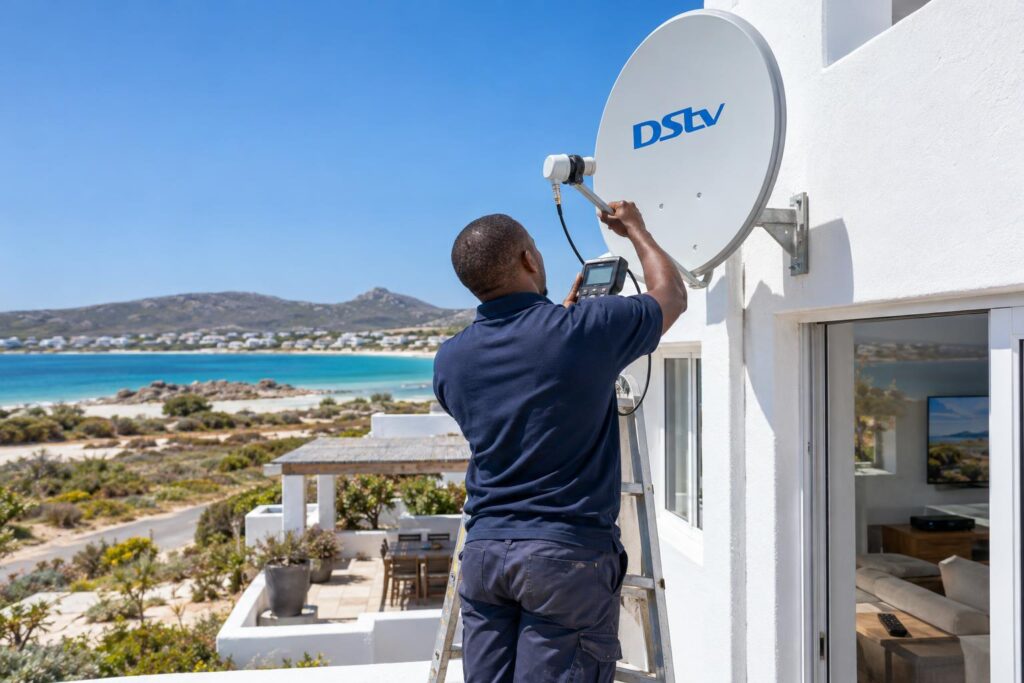
Quick answer: Most DStv picture freezing Langebaan homes deal with comes from a weak signal, not a broken decoder. Restart the decoder, check the HDMI lead, then look at the signal quality reading. If quality is low or jumps around, the cause is usually a loose or corroded connector, a tired LNB or a dish that the wind has pushed out of line.
DStv picture freezing always seems to happen at the worst moment. The rugby is in the last five minutes, or the series finale has just started. The good news is that you can find the cause yourself in about 20 minutes, with no ladder and no tools.
This guide follows the same order our technicians use on a call-out. First, what you need. Then the steps. Then what each result means, and what is different about the West Coast.
Key points before you start
- Freezing and pixel blocks mean the decoder is not getting enough clean data.
- Signal quality matters more than signal strength.
- Weather only explains freezing in a real downpour. Freezing on a clear day points to a fault.
- Never climb onto the roof to move the dish. It needs a meter to set properly.
What you need before you fix DStv picture freezing
You do not need special equipment. You need a little time, a torch and a note of what is happening on screen.
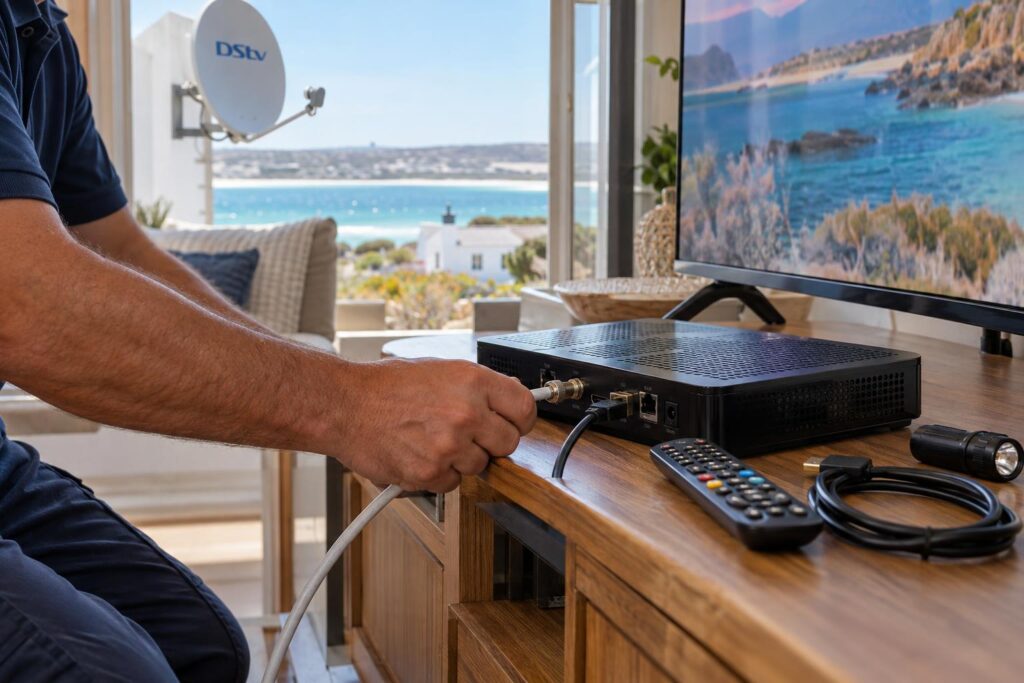
Have these ready:
- Your DStv remote with working batteries.
- A torch to see the cables behind the TV cabinet.
- A spare HDMI cable, if you have one in a drawer.
- Your phone, to take a photo of the signal screen and any error code.
- Your smartcard number, in case you need to clear an error through DStv.
Also write down a few details about the DStv picture freezing. Does it freeze on every channel, or only some? Does it happen in wind or rain, or on calm days too? Does it happen on one TV or every TV in the house? These answers point straight at the cause.
7 steps to stop DStv picture freezing at home
Work through these in order. Stop as soon as the picture comes back clean and stays that way for a day.
- Restart the decoder properly. Switch it off at the wall, wait at least 10 seconds, then switch it on again. If it shows no lights at all, our guide on what to do when a DStv decoder won't turn on covers that problem.
- Check the HDMI lead. Push it in firmly at both ends. Try a different HDMI port on the TV, then a spare cable.
- Read the signal screen. Open the decoder's settings and find the signal or tuner status screen. Note both strength and quality.
- Check the coaxial cable. Make sure the round screw connector at the back of the decoder is finger tight. Follow the cable to any wall plate or splitter.
- Look at the dish from the ground. Check whether it looks bent, loose or knocked to one side. Look for new branches or a new structure in front of it.
- Clear any error code. Use the MyDStv app, DStv WhatsApp self service or the DStv USSD code to clear errors.
- Test across channels and times. Watch a few different channels over a day and note when the freezing returns.
Local tip: Take a photo of the signal screen on a calm, clear day. If the picture starts freezing later, you can compare the new reading with the old one. It saves a lot of guessing.
Troubleshooting each step when the picture still breaks up
If the steps above did not fix it, the result of each step tells you where to look next. Here is how we read them.
Steps 1 and 2: restart and HDMI did not help
A restart clears a stuck decoder, but it cannot fix a weak signal. If DStv picture freezing comes back within minutes, the decoder itself is rarely the problem.
An HDMI fault looks different from a signal fault. The screen often flickers, goes black for a second or loses sound, while the picture itself stays sharp. Pixel blocks and frozen frames point to the signal instead.
Step 3: signal strength vs signal quality
Strength tells you how much signal arrives. Quality tells you how clean it is. A decoder can show fair strength and still freeze because the quality is poor.
- Quality low and steady: the dish or LNB is not picking up a clean signal.
- Quality jumping up and down: often a loose connector, water in a cable or a dish that moves in the wind.
- Both readings high and steady: look at the HDMI lead, the TV input or the decoder.
Readings that jump around are the classic sign of DStv picture freezing caused by a fault somewhere in the cable run. Our DStv signal repairs in Langebaan start with a meter test of the whole chain, from dish to decoder.
Step 4: cables, connectors and the LNB
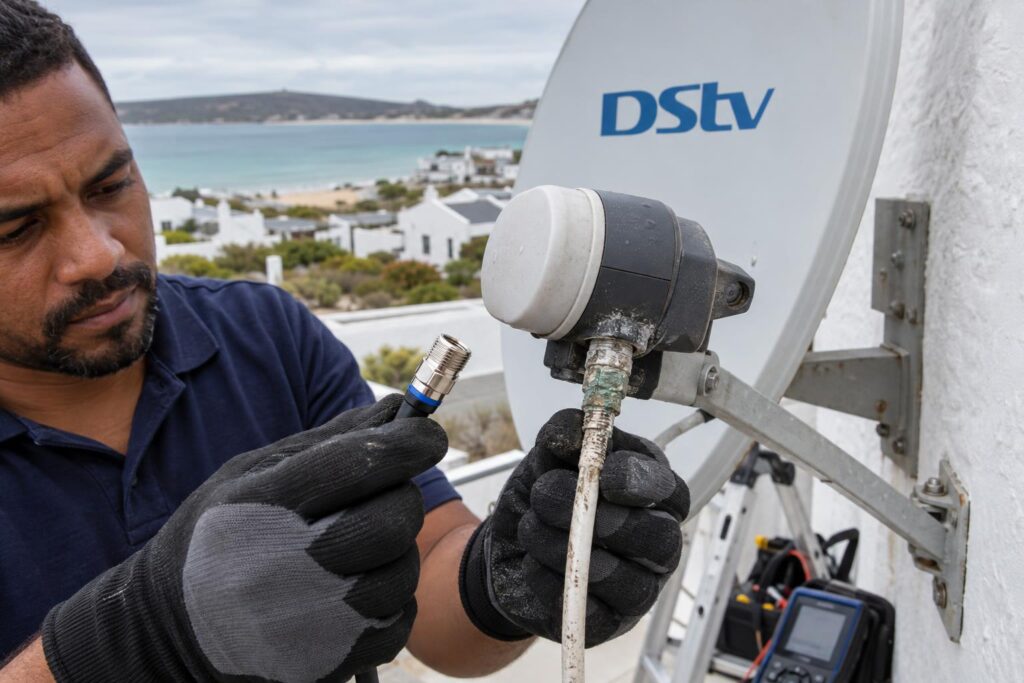
Connectors outside the house corrode, and moisture can creep into the cable. Then the picture is fine one day and blocky the next. Look for green or white powder on connectors, cracked cable sheathing or cable pinched in a window frame.
The LNB is the small unit on the arm in front of the dish. It can also fail slowly, especially after years in the sun and salt air. A failing LNB often causes freezing on some channels first, then on all of them.
Step 5: when DStv picture freezing comes from the dish
A dish only has to move a tiny amount to lose signal quality. The fix is not to turn it by hand until the picture comes back. A dish set by eye usually works until the next strong wind, then fails again.
The proper fix is professional dish alignment with a meter, so the dish points exactly at the satellite and the bracket is tightened in that position. We also check that the bracket and wall plugs are still solid.
If you would rather not chase the fault yourself, book DStv installation in Langebaan from a local team that tests every part of the system on the day.
Picture still freezing after the 7 steps?
We test the dish, LNB, cables and decoder with a meter and fix the real cause. Call or WhatsApp us and we will arrange a time that suits you.
Explora freezing, some channels freezing and DStv Stream
Not every case of DStv picture freezing is the same. Three patterns come up often, and each has its own usual cause.
Only some DStv channels freezing
If a few channels freeze while others play fine, that kind of DStv picture freezing means signal quality is usually on the edge. Some channels need a slightly better signal than others. A small loss from a corroded connector or a tired LNB shows up there first.
The same weak point can affect other features. If Catch Up is also giving trouble, our article on DStv Catch Up not working explains the internet side of that problem.
DStv Explora keeps freezing
Look at whether the freezing happens on live TV or on recordings. If recordings freeze at the same spot each time, the signal was weak while it was recording. If live TV freezes too, follow the signal steps above.
On an Explora with a second TV, freezing in one room only can point to the cable to that room. If the second room shows errors instead of freezing, see our guide to XtraView heartbeat errors.
DStv Stream freezing on a smart TV
DStv Stream does not use a dish at all. If the app freezes or buffers, the cause is your internet connection, WiFi signal or the TV app. Restart the router and the TV, and move the router closer if you can. A dish repair will not help with Stream.
Why DStv picture freezing is common in Langebaan
The West Coast is harder on satellite equipment than inland towns. We see the same few local causes again and again.
Wind, salt air and sand
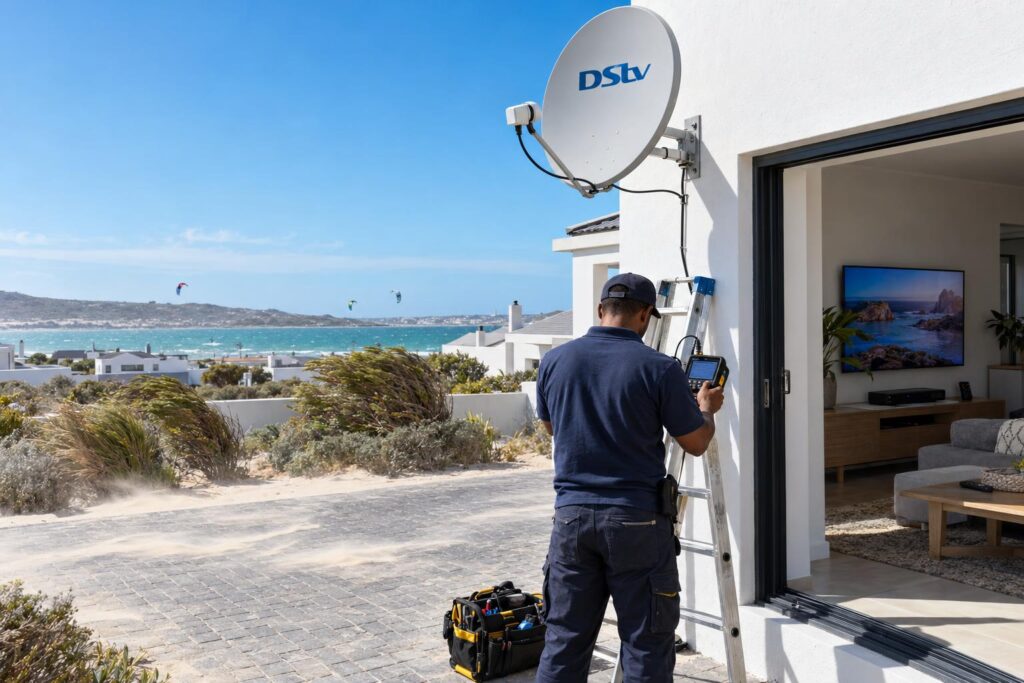
The summer south-easter blows hard across the lagoon. Over months, it can loosen a bracket or shift a dish slightly. That is when DStv picture freezing starts in every gust. Homes near Calypso Beach and the water get the most salt spray, so connectors and LNBs corrode faster there.
Blown sand also wears cable sheathing on exposed walls. In parts of Langebaan Country Estate and Myburgh Park, dishes on open gable walls take the full force of the wind.
Holiday homes and complexes
Many homes at Club Mykonos and around Shelley Point stand empty for weeks. A problem can start while nobody is watching. Owners often arrive for a long weekend and find the picture blocky from the first evening.
In complexes, several units can share one dish and a distribution system. If more than one unit has DStv picture freezing, the fault is likely in the shared equipment, not in your flat.
Power cuts and surges
Power cuts and surges can leave a decoder confused or damage a power supply. If DStv picture freezing started straight after an outage, our guide on how to recover DStv after load shedding covers the right order to restart everything.
We also travel to Saldanha, Vredenburg and farms around the West Coast. A call from our Langebaan DStv installers means a technician who knows these conditions and comes prepared with the right weatherproof parts.
What a picture freezing repair involves and costs
Our visit follows a clear order. We do not swap parts until we know which part is at fault.
- We read signal strength and quality at the decoder.
- We test the signal at the dish with a meter.
- We check every connector, splitter and cable run in between.
- We repair or replace only the faulty part, then seal it against the weather.
- We realign the dish if needed and show you the final reading.
| What you see | Most likely cause | Usual fix |
|---|---|---|
| Freezing on all channels, worse in wind | Dish moved or loose bracket | Realign and secure the dish |
| Freezing on some channels only | Corroded connector or tired LNB | Replace connector or LNB |
| Freezing in one room only | Cable to that room | Repair or replace that cable run |
| Flicker or black flashes, sharp picture | HDMI lead or TV port | Swap the HDMI cable |
| Freezing on DStv Stream only | Internet or WiFi | Router or network fix |
Our published repair and call-out price starts from R550. That covers a diagnostic visit, signal testing, LNB or cable repair and dish realignment. Parts such as a new LNB or cable are extra, and we quote them before any work starts.
If DStv picture freezing keeps returning on an old or badly installed system, a fresh installation may be better value than repeated repairs. Our guide to DStv installation costs in Langebaan explains what affects that price.
Stop the freezing for good
Same-day visits are often possible across Langebaan, Saldanha and Vredenburg. You get a clear quote before we start.
For account issues and error codes, DStv runs its own self service channels. You can find them on the official DStv help and contact page, including the MyDStv app and WhatsApp self service.
When you call us, tell us what you noted in the first section. Which channels freeze, when it happens and what the signal screen shows all help us bring the right parts on the first visit.
DStv picture freezing in Langebaan: FAQs
Why is my DStv picture freezing in Langebaan?
In most homes, it is a signal problem. A dish moved by the wind, a corroded connector or a tired LNB lowers the signal quality until the decoder cannot keep up. Check the signal quality reading first to confirm.
Why does DStv picture freezing only happen when it rains or blows?
Heavy rain weakens satellite signals for everyone. A well set dish has enough spare signal to ride it out, so freezing in light rain or wind means the dish or cables are already marginal. Realigning the dish and sealing the connectors usually fixes it.
Why are only some of my DStv channels freezing?
Some channels need a slightly better signal than others. When quality drops a little, those channels freeze first. It is an early warning that the LNB, cabling or alignment needs attention.
Can I fix DStv picture freezing myself?
Yes, often. Restart the decoder at the wall, check the HDMI lead and tighten the coaxial connector at the back. If the signal quality stays low after that, the fix is at the dish and needs a meter.
Does a frozen picture mean my decoder is broken?
Rarely. If the signal readings are high and steady and the picture still freezes, then the decoder, HDMI lead or TV may be at fault. We test the signal first so you do not replace a decoder that is fine.
How much does a DStv freezing repair cost in Langebaan?
Our repair and call-out visits start from R550, which includes diagnosis, signal testing and dish realignment. Parts like a new LNB or cable are extra. We give you the price before any work starts.