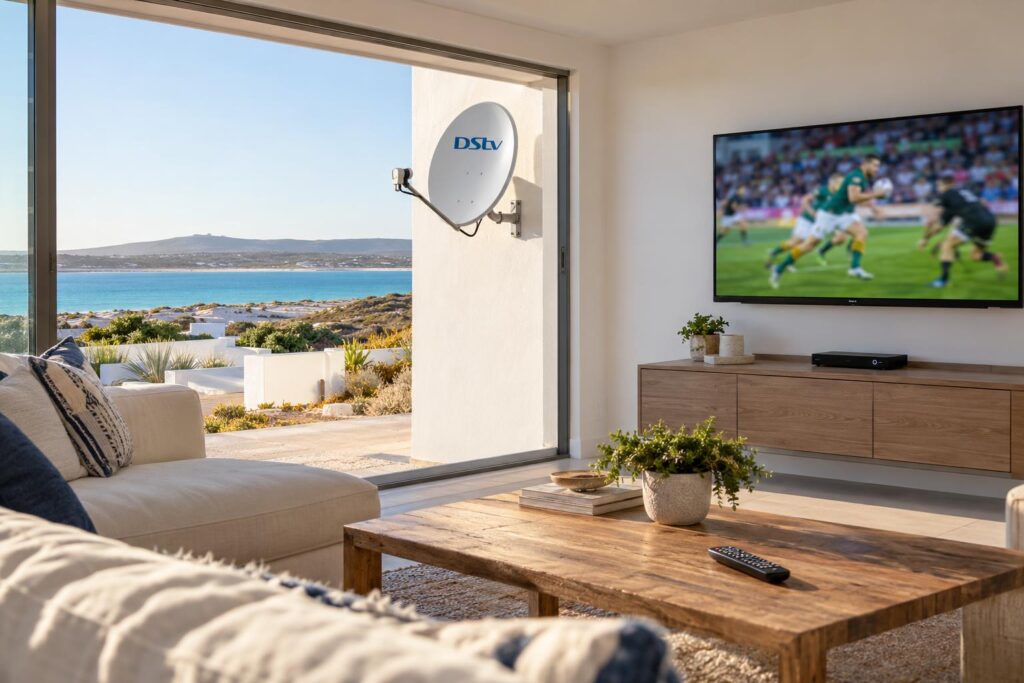
Quick answer: A satellite decoder is the safer choice for most Langebaan homes. It uses no internet data, it shows live sport without delay, and it keeps working when the fibre or WiFi drops. DStv Stream costs less each month on most packages and needs no dish, so it suits homes with fast uncapped internet. Many households run both, because most decoder packages already include streaming.
If you have typed "DStv Stream vs decoder Langebaan" into your phone, you are probably standing in front of a TV with a choice to make. Maybe you just bought a holiday home, or the old dish finally gave up after years of southeaster. Maybe someone told you the app is cheaper and you never need a dish again. This guide gives you the honest DStv Stream vs decoder picture from people who install both, every week, up and down the West Coast.
A typical Langebaan Saturday: where the DStv Stream vs decoder question starts
Picture a big rugby match on a Saturday afternoon. The braai is going, the family is on the couch, and the game is streaming on the smart TV in the lounge.
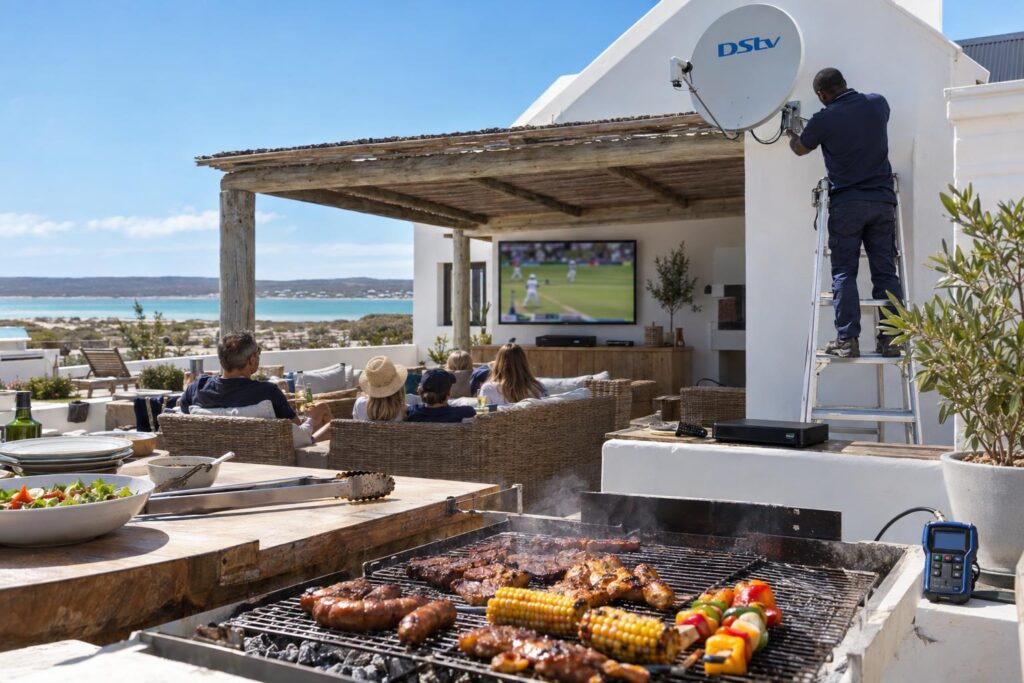
Then the neighbour over the wall shouts "Try!" and your screen is still showing the scrum. Then the picture stops to buffer, and you miss the conversion too.
That is not a fault in your TV. DStv explains that a live stream can run up to 30 seconds behind the satellite broadcast. The video must be encoded, packaged and sent across the internet first. A decoder gets the same match straight from the satellite through your dish.
We hear versions of this story in Myburgh Park, at Langebaan Country Estate and in the complexes near Club Mykonos. It is the moment the DStv Stream vs decoder question gets real.
What DStv Stream and a satellite decoder actually are
Both give you the same DStv packages and channels. In a DStv Stream vs decoder comparison, the only real difference is how the picture reaches your TV.
DStv Stream in plain words
DStv Stream is an app. You watch on a smart TV, phone, laptop or streaming box over your internet connection. There is no dish and no decoder.
On a smart TV you open the app and a short code appears on screen. You enter that code at dstv.stream/tv on your phone, sign in, and the TV links to your account. DStv lists Samsung (Tizen 4.0 and newer), LG (webOS 4.0 and newer) and Hisense (Vidaa U3 and newer) as supported TVs, plus Apple TV and certified Android TV boxes. Older smart TVs often cannot run the app at all.
The satellite decoder in plain words
A decoder takes the signal from a dish on your wall or roof. It needs no internet for live channels. An Explora adds recording, pause and rewind, and it can connect to the internet for Catch Up.
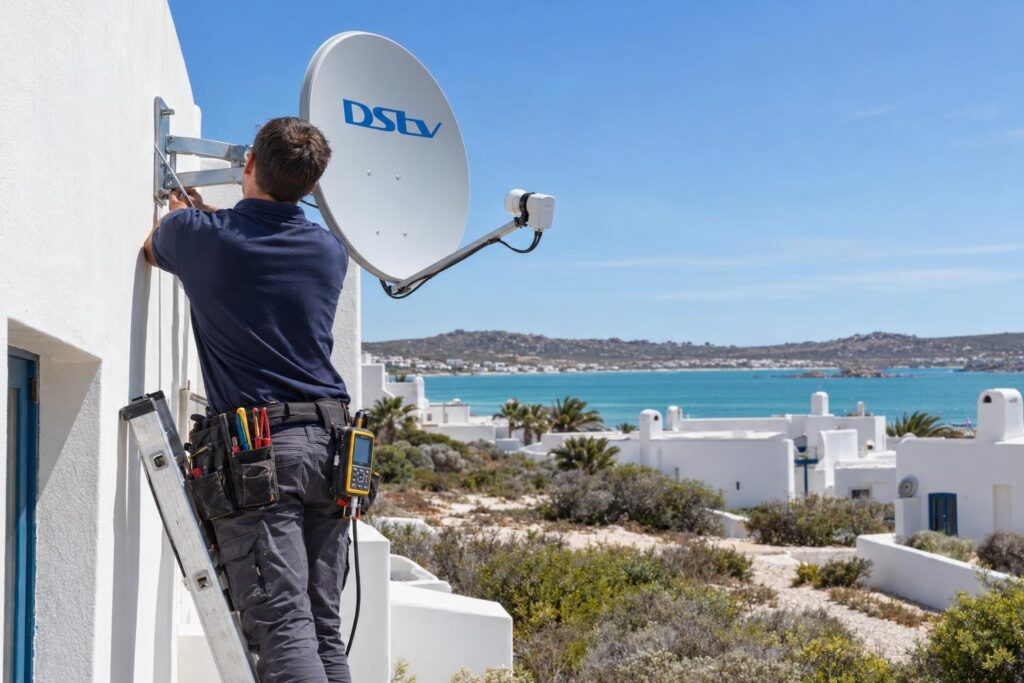
The dish has to be aimed properly and fixed firmly. On the West Coast that matters, because wind and salt air are hard on cheap brackets and cables.
DStv Stream vs decoder price in October 2026
DStv launched new packages on 17 September 2026, and most of them now have two prices. These are DStv's own monthly prices at the time of writing (October 2026), from the official DStv packages announcement.
| Package | Satellite decoder | DStv Stream |
|---|---|---|
| Starter | R150 | R99 |
| Select | R339 | R299 |
| Sports | R479 | R399 |
| Movies & Series | R500 | R500 |
| Premium | R979, or R799 on a 24-month contract | R799 |
DStv says the R799 Premium contract on satellite includes the Access Fee. For a full look at what each package carries, see our guide to DStv packages and prices for Langebaan.
What the monthly price leaves out
- A decoder home pays once for the dish, decoder and installation. On our price list a basic installation starts from R800 and an Explora setup from R2,200, with equipment costs added.
- A Stream home pays nothing upfront if the TV is supported, but pays for data every month.
- Explora recording and a linked second decoder usually add a monthly Access Fee. Check the current amount in MyDStv.
So in the DStv Stream vs decoder price fight, Stream wins on the debit order. A decoder often wins once data is counted, especially on a capped line.
Key points before you choose
- Same packages, same channels. Only the delivery is different.
- Stream is cheaper on four of the five packages. Movies & Series is R500 on both.
- A decoder uses zero internet data for live TV.
- Live streams can run up to 30 seconds behind satellite.
- Sports, Movies & Series and Premium decoder customers already get 2 streams on other devices.
Data, fibre and WiFi along the West Coast
Your internet decides most DStv Stream vs decoder debates. Streaming is only as good as the line behind it. In Langebaan town many streets have good fibre. On the edges, on farms towards Hopefield and in some older complexes, homes still rely on fixed wireless or LTE.
How much data DStv Stream uses
DStv says the app uses about 1.15MB a minute at the lowest quality and up to 41MB a minute at the highest HD quality. That is about 2.4GB an hour in full HD.
A three-hour rugby afternoon can use around 7GB on one TV. Add a second screen and a capped package runs out fast. You can lower the video quality in the app settings, but the picture on a big screen suffers.
DStv Stream vs decoder on weak WiFi
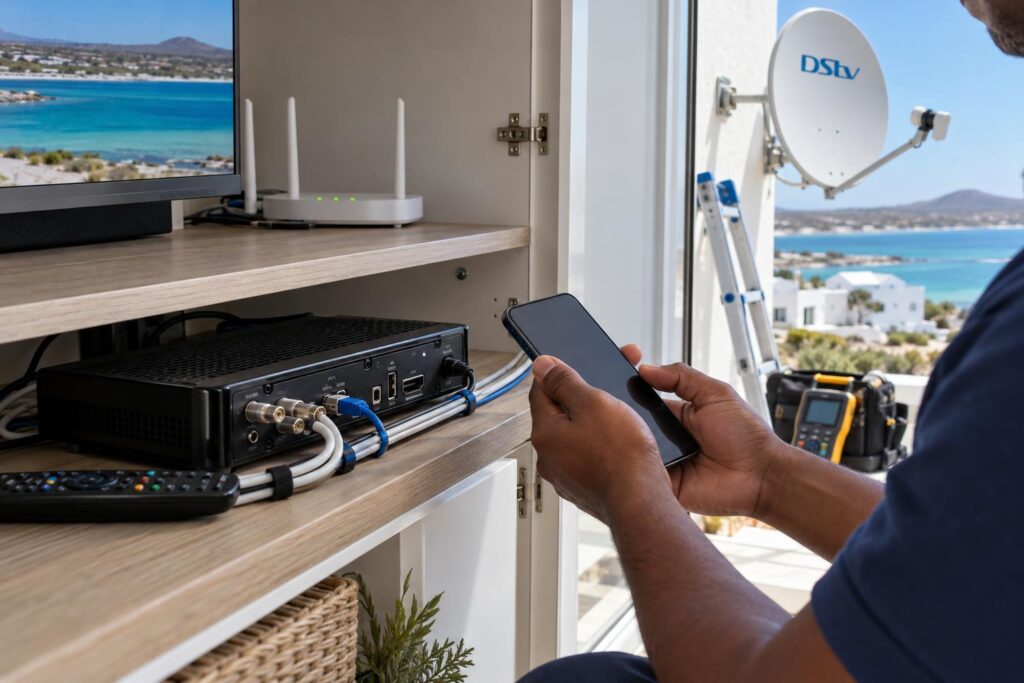
The router usually sits where the fibre enters the house, not next to the TV. Thick walls and long passages weaken WiFi, and a stream that buffers is often a WiFi problem, not a DStv problem. Our WiFi and network installation service runs a cable or an access point to the TV so the stream holds steady.
Local tip: Before you cancel your dish, run a speed test on your phone while standing next to the TV, at 8pm on a weeknight. That is when the line is busiest. If the result is weak there, Stream will struggle there too.
Load shedding, wind and salt air: what keeps working
Both options need power for the TV. The DStv Stream vs decoder difference is what else must stay on.
- A decoder needs the TV and decoder powered. A small inverter covers that.
- Stream needs the TV, the router and the fibre box powered. It also needs your provider's network to stay up outside your house.
- In a Saldanha or Vredenburg outage, a decoder on backup power keeps the picture. A stream may not.
After the power returns, every box restarts at a different speed. Our guide on recovering DStv after load shedding explains the right order to switch things on.
Weather works the other way. Heavy rain or a dish knocked out of line by the southeaster can affect satellite, while a stream does not care about wind. A properly aligned dish on a solid bracket rarely gives trouble, which is why we always meter-test before we leave.
Not sure which option suits your house?
Send us a photo of your dish and TV area, and tell us what internet you have. We will tell you honestly whether Stream, a decoder or both makes sense.
DStv Stream vs decoder for sport, families and holiday homes
The DStv Stream vs decoder answer depends more on how you watch than on the price. Here is how it plays out in local homes.
Sport fans
If Saturday sport is the main event, choose a decoder. The picture is live, there is no buffering at kick-off, and a big match day cannot slow it down. An Explora lets you pause and rewind the try you missed. Our Explora installation in Langebaan includes the Smart LNB and setup.
Families with more than one TV
A Stream account on Sports, Movies & Series or Premium allows 2 streams on any screen plus 1 on a mobile device. You can register up to 4 devices. That suits a family with one TV and a few phones.
For two TVs showing different channels at full quality, a decoder setup is often steadier. Our guide to Dual View versus XtraView explains the options.
Holiday homes and lock-up-and-go properties
Many homes at Calypso Beach, Club Mykonos and the Shelley Point side stand empty for months. Stream is handy here, because you can watch on your own account in Cape Town and at the coast without a second subscription.
A decoder in an empty house needs a little care. It may need its services refreshed when you arrive, and the dish should be checked after a windy winter. Guests in a rental usually find a decoder easier than signing in to an app.
Running both: the setup most local homes end up with
DStv Stream vs decoder does not have to be one or the other. You do not have to pick one forever. A decoder subscription on Sports, Movies & Series or Premium already includes 2 streams on other devices, and Select or Starter includes 1, according to DStv.
So the common answer is a decoder in the lounge for live sport and power cuts, with the app on phones, laptops and the TV in the bedroom. If the app or Catch Up on your decoder stops loading, our guide on Catch Up not working covers the usual causes.
An Explora Ultra connected to WiFi also gives you the DStv app, more Catch Up and access to Netflix and Prime Video on the same box. Those two apps need their own subscriptions. Our short piece on streaming on the Explora explains where each one fits.
DStv Stream vs decoder checklist for your home
Work through these steps in order.
- Check your internet. Is it uncapped fibre, and does it hold up at night next to the TV?
- Check your TV. Is it a supported Samsung, LG or Hisense model, or do you have a streaming box?
- Count the sport. If live rugby or football matters every weekend, lean towards a decoder.
- Count the screens. Note how many TVs need different channels at the same time.
- Look at your backup power. Does it run the router as well as the TV?
- Look at the dish you have now. A sound dish may only need a new LNB or realignment.
- Compare a full year of costs, including data, hardware and any Access Fee.
If you already have a dish, have it checked before you decide. Our DStv installation in Langebaan service starts with a signal test, so you know what can stay.
Most homes we visit end up with a decoder for the main TV and the app for everything else. If you want a second opinion on your own house, our Langebaan DStv installers can look at the dish, the WiFi and the TV in one visit.
Get the right setup the first time
We install dishes, decoders and WiFi from Langebaan to Saldanha and Vredenburg, and we set up DStv Stream on your smart TV too.
Whichever way the DStv Stream vs decoder choice goes for you, a steady signal and a strong connection matter more than the logo on the box. Get those right, and both options work well.
DStv Stream vs decoder: questions Langebaan homes ask
Is DStv Stream cheaper than a decoder?
On most packages, yes. At the time of writing (October 2026), Sports is R399 a month on Stream and R479 on a decoder. Remember to add your internet data, which a decoder does not use for live TV.
Can I use DStv Stream without a decoder?
Yes. DStv sells streaming-only subscriptions that need no dish or decoder. You need a supported device and a steady internet connection.
Which is better for live sport, DStv Stream vs decoder?
A decoder. DStv says a live stream can run up to 30 seconds behind the satellite broadcast, and streams can buffer on busy match days. A decoder shows the match live without using data.
How much data does DStv Stream use?
DStv says about 1.15MB a minute at the lowest quality and up to 41MB a minute in the highest HD quality. That is roughly 2.4GB for an hour of full HD viewing.
How do I enter the DStv Stream TV code?
Open the DStv Stream app on your TV and a 5-digit code appears. On your phone, go to dstv.stream/tv, sign in and type the code. The TV links to your account in a few seconds. If the code expires, restart the app for a new one.
Can I have a DStv decoder and DStv Stream on one account?
Yes. Sports, Movies & Series and Premium decoder customers get 2 streams on other devices, and Select or Starter customers get 1. You do not pay a separate Stream subscription for these.