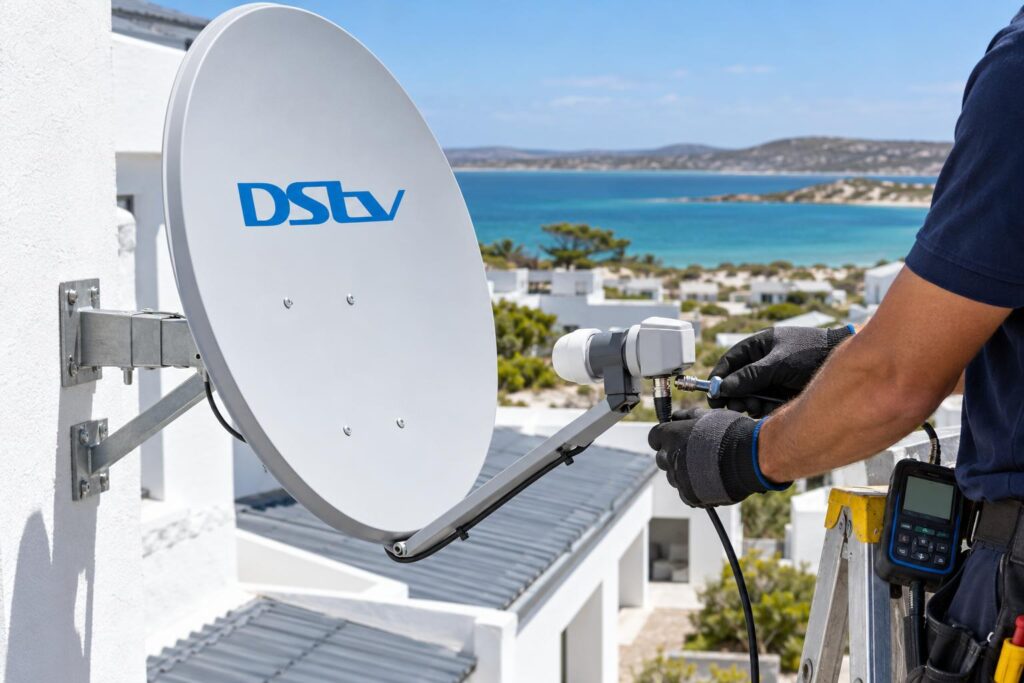
Quick answer: With DStv XtraView not working, the second TV usually goes dark because it has lost the "heartbeat" from the primary decoder. Check that the primary decoder is switched on, then check the link and satellite cables at the back of both decoders. Restart the primary first, then the secondary. If the error keeps coming back, the fault is usually in the cabling, the LNB or the account link, and that needs testing.
The lounge TV works fine. The bedroom TV shows an error and refuses to play a single channel. Most DStv XtraView not working Langebaan call-outs we get start exactly like this. The good news is that the cause is usually simple, and you can often find it yourself in ten minutes.
This guide starts with the problem you are seeing. Then we explain the causes, the fixes you can safely try at home, and the point where it makes sense to call a technician.
Key points before you start
- XtraView links two or three decoders on one subscription. One decoder is the primary. The others are secondary.
- The primary decoder sends a "heartbeat" to the secondary decoders. No heartbeat means no TV on the secondary.
- The primary keeps working even when the link is broken. That is why only one room goes dark.
- Most faults come from a switched-off primary, a loose or damaged cable, or a decoder that was moved or replaced.
- Do not turn the dish or factory reset a decoder as a first step.
DStv XtraView not working: what you will usually see
DStv XtraView not working rarely looks dramatic. One room works and the other room does not. That pattern is the biggest clue you have.
DStv XtraView not working on the second TV only
The main decoder plays normally. The secondary decoder shows a message about waiting for the primary, or it simply will not show channels. This almost always points to the heartbeat link, not the dish.
Both TVs have a problem
If every TV in the house shows a no signal message such as E48-32, the XtraView link is probably not the cause. The fault is more likely at the dish, LNB or the shared cable. We cover that difference in the table further down.
XtraView works, then drops out again
This is the most frustrating version. The second TV works for an hour or a day, then stops. Intermittent faults like this are often a corroded connector or a cable that moves in the wind. On the West Coast, that is very common.
What the XtraView heartbeat does and why the second TV goes dark
DStv explains that in an XtraView setup the primary decoder is the one that sends the heartbeat to the secondary decoders. You can read this on the official DStv XtraView roles page.
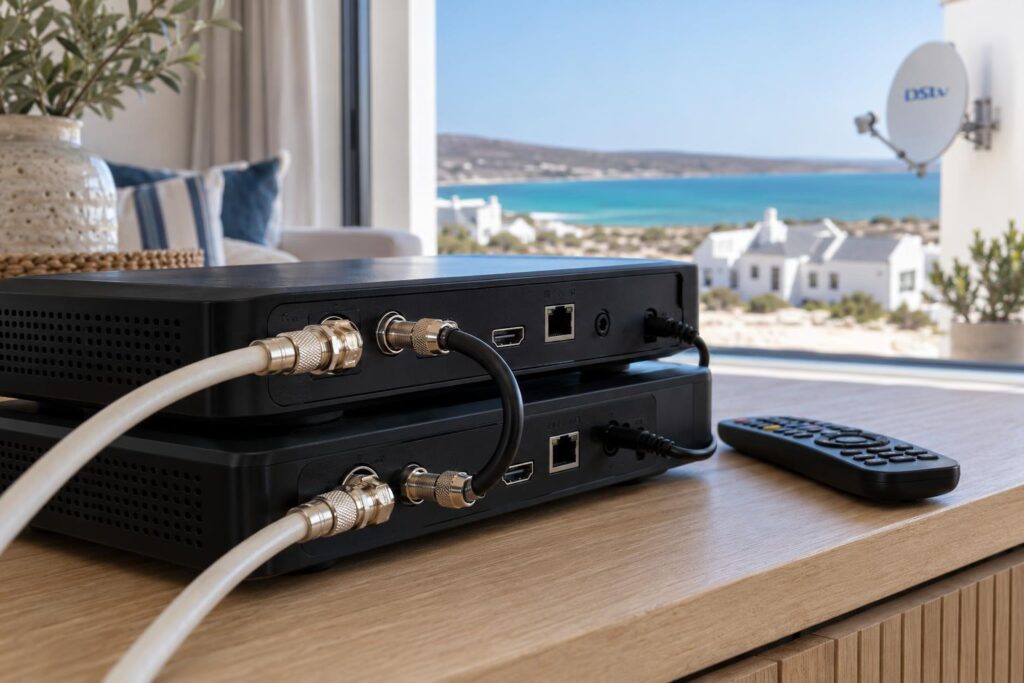
Think of the heartbeat as a regular "I am still here" signal. It tells the secondary decoder that it is still part of the same household and the same account. If that signal stops arriving, you get DStv XtraView not working on the second TV.
Things that break the heartbeat
- The primary decoder is switched off, unplugged or removed from the house.
- The cable that carries the link is loose, damaged or plugged into the wrong port.
- Interference or a cabling error on the shared satellite cables.
- The decoders are no longer linked correctly on the DStv account.
DStv also confirms the reverse. The primary decoder keeps working even if the secondary decoder stops or the link is broken. So a working lounge TV does not prove the whole system is healthy.
Common causes of DStv XtraView not working in Langebaan homes
We see DStv XtraView not working for the same handful of reasons across Langebaan town, Myburgh Park and the estates. Here they are.
The primary decoder was switched off
Someone switches off the lounge decoder at the wall to save power. Or the plug gets knocked while cleaning. The secondary decoder then has no heartbeat to listen to. Switch the primary on, let it fully start up, and the second TV usually comes back.
The primary decoder went on holiday
This one is very Langebaan. Many owners at Club Mykonos, Calypso Beach and Langebaan Country Estate split their time between here and another home. If the primary decoder travels, every secondary decoder left behind stops working. DStv recommends making the decoder you take on holiday the primary one.
Salt air and wind on the cables
Salt air near the lagoon eats into connectors and LNBs. The south-easter moves loose cables and dishes. A connector that was fine last summer can turn green and fail this winter. Our DStv signal repairs service tests each cable run with a meter, so we find the weak joint instead of guessing.
A cable moved during a renovation or new furniture
A new TV unit, a painter or a curious child can pull a cable half out. The picture on the primary may look fine while the link to the secondary is broken. Check behind both TVs whenever something in the room has changed recently.
Weak signal shared by every decoder
If the dish has drifted, the signal can be just good enough for one decoder and not the other. You may also notice blocky pictures in strong wind or rain. Our guide on DStv picture freezing in Langebaan explains how to spot a weak signal before it fails completely.
Second TV still dark?
Send us a photo of the error and the back of both decoders on WhatsApp. We will tell you if it is a quick fix or a visit.
How to fix XtraView heartbeat problems at home
These steps are safe for any homeowner with DStv XtraView not working. They do not involve ladders, the dish or the account menus. Work through them in order and stop as soon as the second TV comes back.
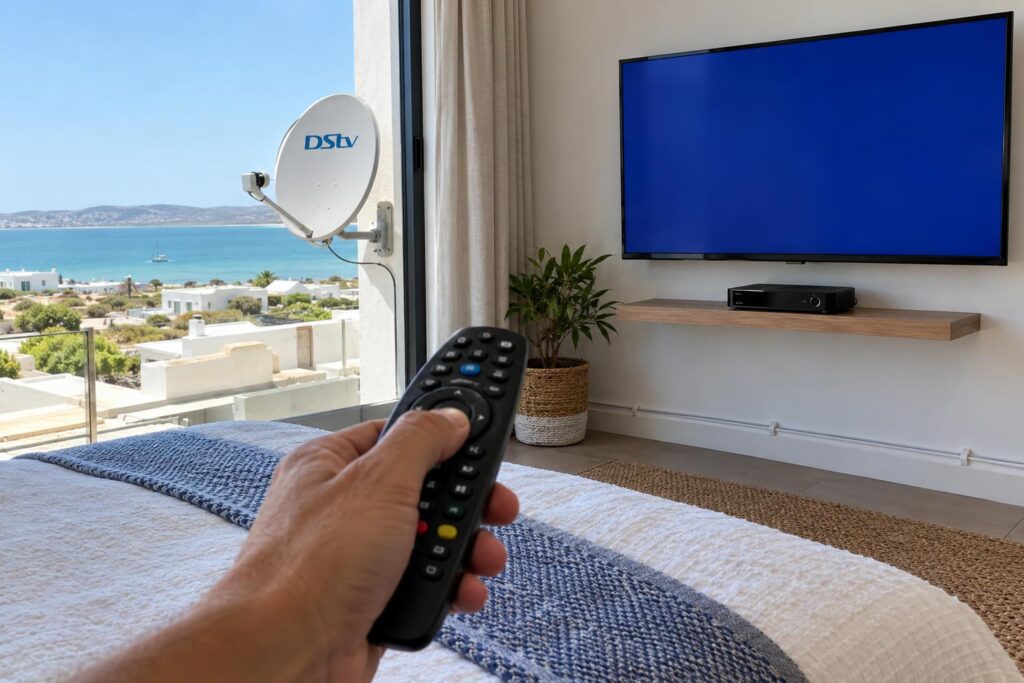
- Write down or photograph the exact error message on the secondary TV.
- Check that the primary decoder is switched on at the wall and fully started.
- Confirm the primary decoder plays channels normally on its own TV.
- Look behind both decoders. Hand-tighten any loose screw-on connectors. Do not force them.
- Check that no cable has been unplugged, crushed under furniture or bent sharply.
- Switch off the secondary decoder, then restart the primary and wait until it is fully on.
- Switch the secondary decoder back on and give it a few minutes to receive the heartbeat.
If the trouble started right after a power cut, our article on DStv recovery after load shedding covers the best restart order for the decoder, TV and router.
What not to do
- Do not turn the dish by hand to "improve" the signal.
- Do not factory reset either decoder unless DStv support asks you to.
- Do not swap the primary and secondary roles in the menus as an experiment.
- Do not join cables with tape or twisted wire.
Local tip: Before you go back to Cape Town or up country, take a photo of the back of each decoder. If a guest or cleaner unplugs something, you can talk them through it over the phone.
If a decoder shows no lights at all, the problem is power, not XtraView. Run through our checklist for when a DStv decoder won't turn on first.
Heartbeat fault, signal fault or account fault?
With DStv XtraView not working, getting the cause right saves time and money. A heartbeat fault needs the link checked. A signal fault needs the dish and LNB tested. An account fault needs DStv, not a technician.
| What you see | Most likely cause | Who fixes it |
|---|---|---|
| Primary works, secondary shows a waiting or link message | Heartbeat lost: primary off, link cable or port fault | You first, then a technician |
| Both TVs show no signal, such as E48-32 | Dish, LNB or shared cable fault | A technician with a signal meter |
| Both TVs work but some channels are missing | Subscription or channel authorisation | DStv self-service or support |
| Secondary works, then drops out on windy days | Loose or corroded connector, dish movement | A technician |
| Fault started after a new or swapped decoder | Decoders not linked on the account or cabled wrong | DStv to link, technician to cable |
Error codes can be confusing on their own. Our short guide to common DStv error codes explains the ones you can clear yourself.
DStv XtraView not working after a move or a new decoder
Changes to the system are a common trigger for DStv XtraView not working. A new Explora, a replaced decoder or a move between houses can all break the XtraView link.
You replaced or upgraded a decoder
DStv says you must contact them to link decoders on your account so they bill correctly. A new decoder does not take over the old decoder's role automatically. If the faulty decoder was the primary, DStv notes the cabling also has to change to link the remaining decoders.
Your decoder combination matters
Not every decoder can play every role. These rules come from DStv's own XtraView information:
- When three decoders are linked, the primary must be a DStv Explora.
- An SD PVR can only be a secondary decoder.
- All linked decoders get the same package. You cannot have one package in the lounge and another in the bedroom.
- DStv recommends a Smart LNB with an 80cm dish for most XtraView installations.
If you are still deciding how to set up two rooms, our comparison of DStv Dual View vs XtraView explains which suits a Langebaan family better.
You moved house in Langebaan or along the coast
Moving from Saldanha or Vredenburg to Langebaan means a new dish position, new cable runs and often a new switch. Rebuilding the link properly is part of our XtraView installation service, and we test each room on its own before we leave.
When to call a technician and what it costs
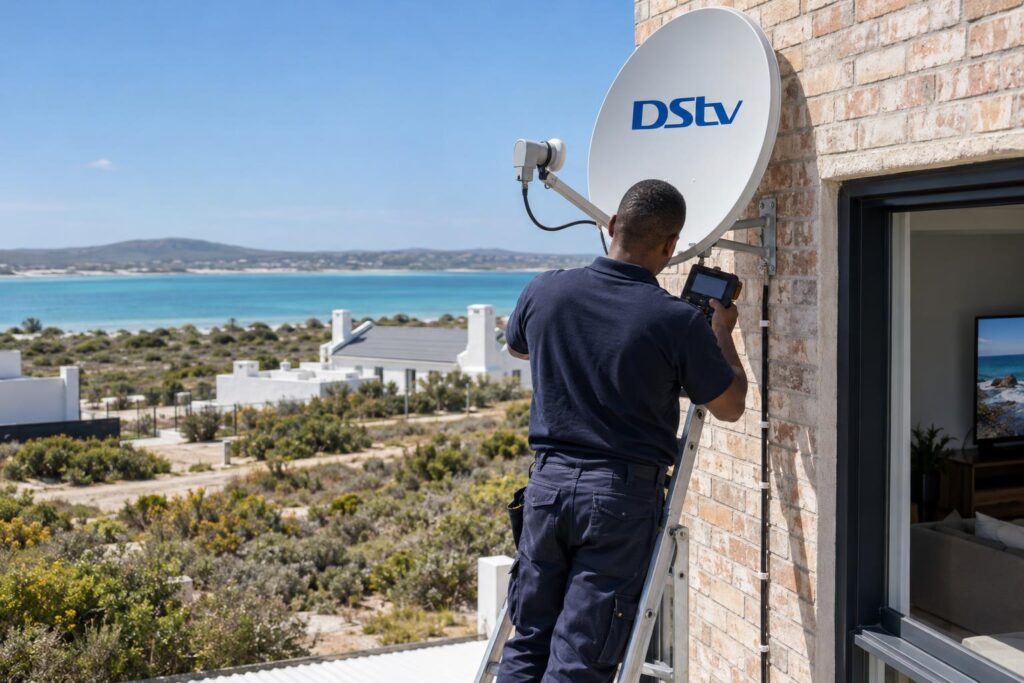
Call us if you still have DStv XtraView not working after the steps above, when the error keeps returning, or when the cables run through roofs and walls you cannot reach. If you own a holiday home on the Shelley Point side or in one of the estates, book a check before the season starts, so the system is tested before guests arrive.
We work from fair, upfront quotes. These are the starting prices listed by our team. The final price depends on what we find at your property, and equipment costs are extra.
| Job | From | What it usually covers |
|---|---|---|
| Repairs and call-out | R550 | Diagnostic visit, signal testing, LNB or cable repair, dish realignment |
| Extra View setup | R1,800 | Multi-room setup with dual or quad LNB, additional decoder and cabling |
To help us quote quickly, send us:
- The decoder models in each room.
- A photo of the error on screen and which TV shows it.
- A photo of the back of each decoder.
- What changed before the fault: a power cut, wind, new furniture or a new decoder.
We know the area well, from complexes in Langebaan town to farms on the road to Vredenburg. Our Langebaan DStv installers test the whole chain with a meter, from the dish to each decoder.
Get both rooms watching again
We test the heartbeat link, the cables and the signal in every room before we leave. Call or WhatsApp us for a same-day slot where available.
Keeping XtraView stable on the West Coast
Coastal homes are hard on satellite equipment. A few simple habits stop DStv XtraView not working before it starts.
- Leave the primary decoder switched on, even when you are away for a short time.
- Make the decoder you travel with the primary, so the house setup does not break.
- Ask for sealed, weatherproof connectors outside, especially close to the lagoon.
- Have the dish and cables checked before the December rush.
If you are planning a full upgrade, our team also handles complete DStv installation in Langebaan with the cabling built for multi-room viewing from day one.
A tidy, well-sealed setup almost never loses its heartbeat. When you keep finding DStv XtraView not working, the cause is usually the cabling or connectors, not the decoders themselves.
DStv XtraView not working: frequently asked questions
Why is my DStv XtraView not working on the second TV only?
The secondary decoder needs a regular heartbeat from the primary decoder. If the primary is switched off, removed or the link cable is faulty, the secondary stops showing channels. The primary keeps working, which is why only one TV is affected.
Will the secondary decoder work if the primary is switched off?
No. DStv states that secondary decoders will not work if the primary is removed or switched off. Keep the primary on, or make the decoder you travel with the primary.
Can bad weather cause DStv XtraView not working?
Yes, indirectly. Wind can move a dish or a loose cable, and salt air corrodes connectors. That can weaken the signal or interrupt the link, so the secondary decoder drops out.
What is a DStv heartbeat cable?
It is the connection that carries the heartbeat from the primary decoder to the secondary decoder. Depending on how your system was built, this may be a separate link cable or part of the shared satellite cabling. A loose or damaged connection here is a common cause of DStv XtraView not working.
Why is my DStv extra view not showing all channels?
All linked decoders get the same package, so missing channels are usually an account or signal issue. Check that your subscription is active and up to date first. If channels are still missing on every decoder, have the signal tested.
Do I need to tell DStv when I replace a decoder in XtraView?
Yes. DStv asks customers to contact them to link decoders on the account. A new decoder does not inherit the old one's role, and the cabling may need to change too.