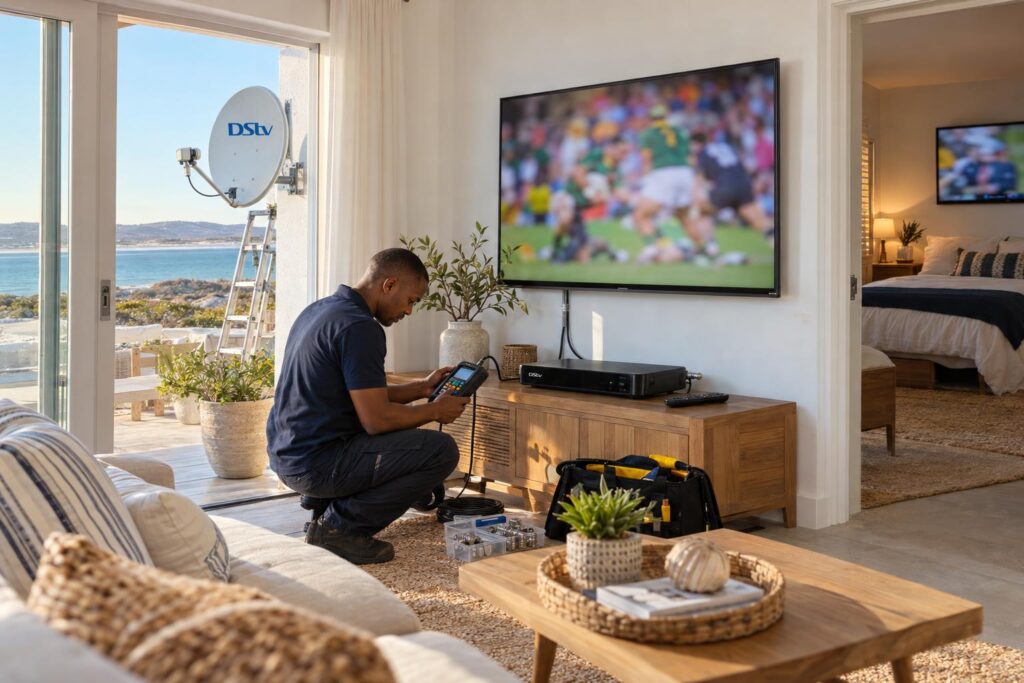
Quick answer: For most families, DStv Dual View in Langebaan today means XtraView. You link a second (or third) decoder to your main one, and each TV watches its own channel on one subscription plus an Access Fee. Choose an Explora as the main decoder, and have the dish, Smart LNB and cabling set up properly so the link holds.
This is our DStv Dual View Langebaan buyer's guide for families who want more than one TV running different channels. The lounge wants the rugby. The kids want cartoons in the bedroom. Somebody else wants a series in the main room.
It is one of the most common questions we get. The good news is that the answer is simpler than the names make it sound. Below we help you decide, compare the options, explain the costs, show how we install it, and list the mistakes we see most often.
DStv Dual View or XtraView: the short decision
Start with one question. Do the two TVs need to show different channels at the same time? If yes, you need two decoders linked in XtraView. If the second TV only ever shows the same channel as the lounge, a simpler feed from one decoder can work.
In family homes in Myburgh Park and Langebaan town, the setup we recommend most is XtraView with an Explora in the lounge and a second decoder in the main bedroom. We plan every DStv installation in Langebaan around how many TVs you have and who watches what.
Key points before you buy
- "Dual View" is the older name. XtraView is how two-room viewing is set up on current decoders.
- XtraView links two or three decoders on one subscription.
- Two decoders: your subscription plus one Access Fee. Three decoders: plus two Access Fees.
- All linked decoders get the same package. You cannot split Premium and Compact.
- For three decoders, the main (primary) decoder must be an Explora.
- DStv recommends a Smart LNB with an 80cm dish for most XtraView installs.
What DStv Dual View meant, and what XtraView does today
The two names cause a lot of confusion. People still search for DStv Dual View because it is the term they remember from older decoders. On today's equipment the same goal is reached in a different way.
The old dual view decoder
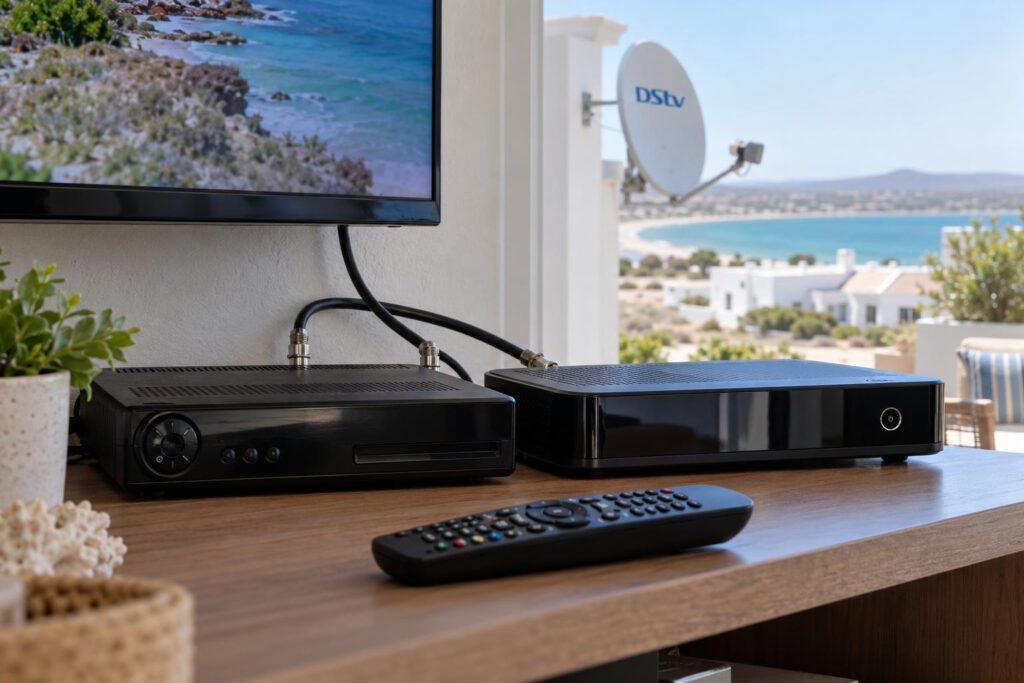
Some older PVR decoders had a dual view mode. One box with more than one tuner could feed a second TV, so two rooms could watch different channels from a single decoder. Many of those boxes are now well past their best, and we seldom install new systems this way.
If you still have one running in a holiday house on the Shelley Point side, it may keep going for a while. When it fails, the usual replacement is two linked decoders, not another single box.
How XtraView links two or three decoders
With XtraView, each TV has its own decoder. The decoders are linked on your account and connected by cable. One decoder is the primary. It sends a regular "heartbeat" signal to the secondary decoders.
If the heartbeat stops, the secondary decoders stop working. The primary keeps working on its own. That is why the cabling and the choice of primary decoder matter so much. DStv explains these rules on its important XtraView information page.
DStv Dual View vs XtraView compared side by side
Here is how DStv Dual View and XtraView stack up for an ordinary Langebaan family home. We have left out anything we cannot confirm, such as decoder shelf prices, which change often.
| Question | Old dual view PVR | XtraView (2 decoders) | XtraView (3 decoders) |
|---|---|---|---|
| Different channels on each TV | Yes, on 2 TVs | Yes | Yes |
| Decoders needed | 1 | 2 | 3, primary must be an Explora |
| Monthly cost | Subscription plus Access Fee | Subscription plus 1 Access Fee | Subscription plus 2 Access Fees |
| Recording | On the PVR | Only on decoders that can record | Only on decoders that can record |
| New installs today | Rare | Most common choice | Bigger homes and rentals |
For most families, the middle column is the sweet spot. It gives the lounge full recording on an Explora and gives a second room its own channel.
Which dual view setup suits your family
The right DStv Dual View combination depends on how your household watches. Think about who records, who watches live sport, and which TV gets the most use.
Two TVs: Explora plus a second decoder
This is the most popular choice. The Explora sits at the main TV and does the recording, pausing and rewinding. A single view HD decoder in the bedroom gives that room its own channel.
Remember that each decoder works on its own. Recordings on the lounge Explora do not appear on the bedroom TV. If both rooms want to record, both need a recording decoder.
DStv recommends making the Explora the primary decoder. It also makes adding a third TV later much easier, which is why our DStv Explora installation always sets it up that way.
Three TVs: the primary must be an Explora
Bigger homes in Langebaan Country Estate often have a lounge, a main bedroom and a TV room or flat. DStv allows three linked decoders, but the primary must be an Explora. Allowed combinations include three Exploras, two Exploras and an HD decoder, or one Explora with two HD decoders.
Before you buy, compare what the extra decoders will cost against our guide to Explora and Explora Ultra prices. Sometimes a second Explora is worth it. Sometimes a basic HD decoder in a guest room is all you need.
Holiday homes and rentals
DStv says you can have XtraView at a holiday home, set up through its call centre. If you own a holiday place in Club Mykonos or Calypso Beach, you may want to move a decoder between houses. DStv's advice is simple: if one decoder travels often, make that one the primary.
If your house is let to guests, keep the remotes labelled and the setup simple. We cover this in more detail in our article on DStv for lagoon-side holiday rentals.
Not sure which combination fits your home?
Send us a WhatsApp with how many TVs you have and which decoders are already in the house. We will tell you what can be reused and what needs to change.
DStv dual view price: monthly and once-off costs
There are two parts to the DStv Dual View cost. One is what you pay DStv every month. The other is the once-off cost of equipment and installation.
Monthly: one subscription plus an Access Fee
With two linked decoders, you pay your normal package plus one Access Fee. With three, you pay two Access Fees. If one decoder is a PVR such as an Explora, you already pay an Access Fee for recording, so DStv says viewing on the second linked decoder adds nothing more.
Access Fees and package prices change from time to time, so confirm the current figure with DStv when you link. Our guide to DStv packages and prices for 2026 helps you choose the package that every linked decoder will share.
Once off: installation and equipment
Our published starting prices are below. Equipment is extra, and we confirm a final quote once we have seen the property.
| Job | Starting price | What it covers |
|---|---|---|
| Extra View setup | From R1,800 | Multi-room setup with dual or quad LNB, extra decoder connection and cabling |
| Explora setup | From R2,200 | Explora or Explora Ultra with full installation and configuration |
| Repair or call-out | From R550 | Diagnosis, signal testing, LNB or cable repair, dish realignment |
Long cable runs, a double-storey roof or a new bracket all add time. Our Extra View installation service quotes this upfront, so you know the full scope before we start.
How we install XtraView in Langebaan homes
A good DStv Dual View install is mostly about the parts you never see: the LNB, the cable and the connectors. Here is how our team does it.
- We look at the TVs, the decoders you have and where each one will live.
- We check the dish, bracket and LNB. An old single-output LNB cannot feed two decoders properly.
- We fit a Smart LNB if needed and align the dish with a signal meter, not by eye.
- We run a proper cable to each room, with weatherproofed outdoor connectors.
- We set the primary and secondary roles, with the Explora as primary.
- You or we contact DStv to link the decoders on your account, so billing is correct.
- We test each TV on a different channel, then switch decoders off and on to confirm the heartbeat holds.
Smart LNB and the 80cm dish
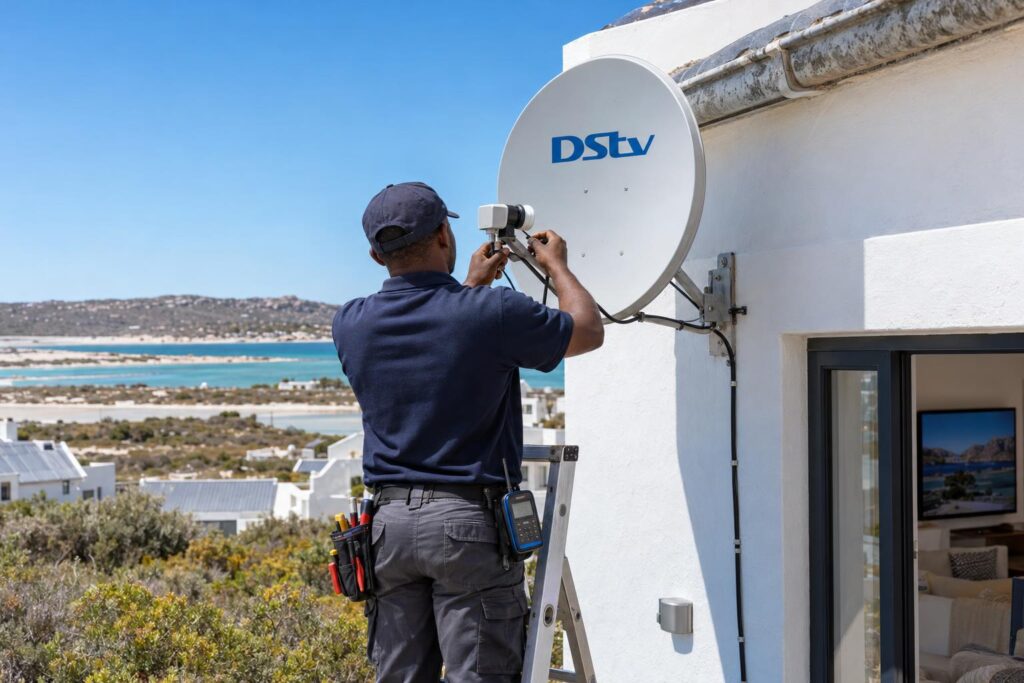
DStv recommends a Smart LNB with an 80cm dish for most XtraView setups. The south-easter here is strong, and salt air from the lagoon eats cheap fittings. A solid bracket and sealed connectors matter more in Langebaan than inland. If the dish itself needs replacing, see what a proper dish install costs before you budget.
Cabling in complexes and estates
Complexes and estates often have rules about where a dish can go and how cable may run on the outside of a unit. Ask your body corporate before the install. Our local DStv installers in Langebaan work in estates and complexes all the time and plan the cable route around those rules.
Local tip: Put the primary decoder near the TV you use most, and make sure it stays switched on at the wall. If the primary is off, every other room loses its picture.
Dual view setup mistakes to avoid
Most of the DStv Dual View faults we fix in Langebaan, Saldanha and Vredenburg come from the same few mistakes. Avoid these and your second TV should stay on.
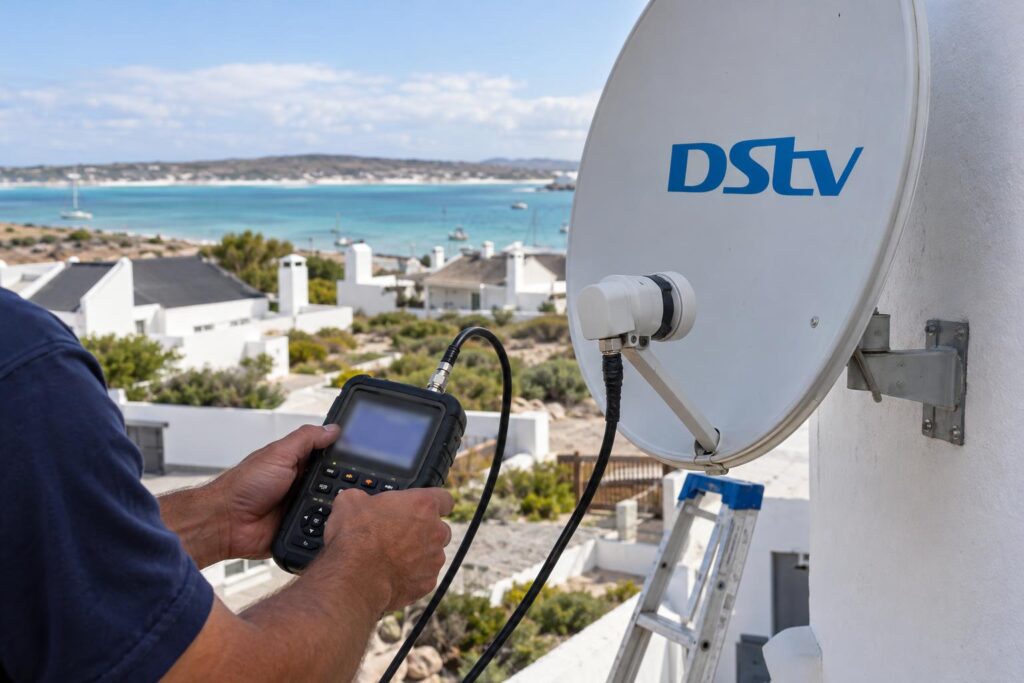
- Using a normal splitter. A TV aerial splitter on a satellite cable weakens the signal and can block the control signals between decoders.
- Keeping a single-output LNB. The second decoder needs its own proper feed.
- Making the basic decoder the primary. If the bedroom box is primary and gets unplugged, the Explora in the lounge stops too.
- Switching off the primary at night. The secondary TVs go dark until it comes back on.
- Forgetting the account link. Cabling alone is not enough. DStv must link the decoders on your account.
- Expecting shared recordings. Each decoder keeps its own recordings.
If your second TV has already lost its picture, work through our checklist for XtraView heartbeat errors and fixes before you book a call-out.
Power cuts are another common trigger. When decoders restart at different speeds the link can drop, and the guide on recovering DStv after load shedding explains what to switch on first.
Plan your DStv Dual View setup once, cable it properly and choose the right primary. Done that way, two or three TVs run on one subscription without anyone knocking anyone else off mid-match.
Ready for a second TV that just works?
We set up XtraView across Langebaan and the West Coast, with meter-tested signal and neat cabling to every room.
DStv dual view in Langebaan: frequently asked questions
These are the questions families ask us most often about two-room viewing.
Is DStv Dual View the same as XtraView?
In practice, yes. Dual View is the older name, from PVR decoders that could feed a second TV. Today two-room viewing is set up with XtraView, where each TV has its own linked decoder.
How does DStv Dual View work with two decoders?
The primary decoder sends a heartbeat signal to the secondary decoder through the cabling. As long as the heartbeat arrives, both TVs can watch different channels on one subscription. If the primary is switched off or the cable fails, the secondary stops working.
What does DStv Dual View cost each month?
With two linked decoders you pay your normal package plus one Access Fee, and with three you pay two Access Fees. If one decoder is a PVR such as an Explora, the second linked decoder adds no extra monthly cost. Confirm the current Access Fee with DStv, because it changes from time to time.
What is needed for DStv Extra View?
You need two or three compatible decoders, a dish and LNB that can feed them all, and a cable to each room. DStv recommends a Smart LNB with an 80cm dish for most setups. The decoders must also be linked on your DStv account.
Can one decoder run two TVs?
A single decoder can send the same picture to two TVs, but both will show the same channel. To watch different channels at the same time, you need a second decoder linked in XtraView.
Why is my DStv Dual View not working on the second TV?
The most common cause is a lost heartbeat between the decoders. Check that the primary decoder is on and that the cables are firmly connected. A loose or corroded connector, a splitter or a decoder moved to the wrong socket can all break the link.