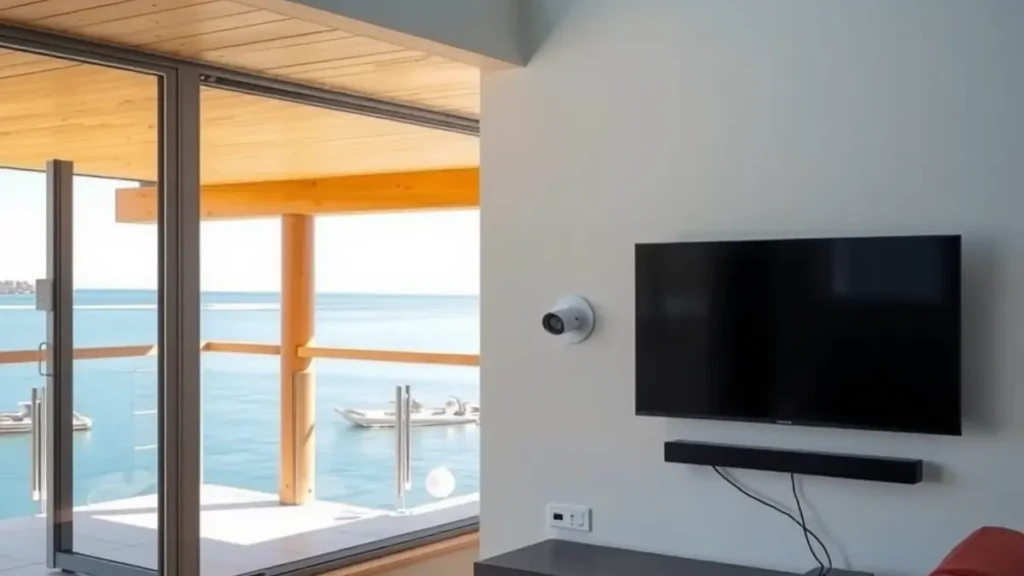
Television, WiFi and security equipment are often installed at different times by different people. In a Langebaan home, that can leave three cable routes, crowded power points, weak network coverage and cameras that the owner cannot view when away. Planning the systems together does not mean buying everything at once. It means deciding where services enter, where equipment lives and how each part will be powered and maintained.
A joined plan is particularly useful for holiday homes and guest accommodation. The owner may be away, guests need simple controls, and coastal exposure affects outdoor equipment. The plan below starts with rooms and user needs, then works back to signal, network, mounting, security and handover.
Map rooms, users and services
List the rooms that need television, reliable internet and security coverage. Mark where guests sleep, where remote work happens, where the router enters and which exterior approaches need observation. Do not start by choosing devices. A floor plan and a short use case for each room provide a better brief than a shopping list assembled from online product pages.
Separate owner-only functions from guest functions. Guests may need lounge television and WiFi access, while camera administration, network settings and account credentials remain restricted. This division affects equipment placement and handover. It also prevents a troubleshooting card from exposing passwords or controls that a short-stay visitor does not need.
Design the television system
Decide whether the home needs DStv, Openview, terrestrial television or a combination. For a main subscription viewing point, DStv installation can be planned with the cable entry and equipment cabinet. For free-to-air satellite viewing in another context, review Openview services. Each platform has its own equipment and channel availability.
Terrestrial reception should be assessed separately through TV aerial installation. Do not assume a satellite dish and a TV aerial are interchangeable. State which channels or service the property expects, then let the technician assess reception and distribution requirements for that platform.
Coordinate screen positions and cabling
Choose television positions before decorating, fitting cabinets or closing walls. The plan should account for viewing height, glare, wall construction, power, HDMI leads, decoder ventilation and access for service. A beautifully centred screen is frustrating if the decoder must sit on the floor or every cable remains visible.
Use TV mounting services to match the wall and bracket to the screen while coordinating signal and network points. In rentals, secure cable management and simple input labels matter more than elaborate control systems that guests can easily misconfigure. Leave enough access to replace a lead without removing permanent joinery.
Build WiFi around coverage, not the router
A fast internet package cannot compensate for a router hidden in a metal cabinet or placed at one end of a large house. Thick walls, long passages, upper floors and outdoor entertainment areas can all affect coverage. Identify where video, work calls and guest devices will be used, then measure or test the network design around those spaces.
A WiFi network installation can plan router, access point and cable locations as one system. Keep network equipment ventilated and accessible to the manager, but away from casual guest tampering. If backup power is required, include the modem or fibre terminal and network devices in the electrical discussion rather than backing up only the television.
Plan CCTV with privacy in mind
Security cameras should cover legitimate exterior risks such as entrances, parking approaches or service yards without intruding on private guest areas or neighbouring property. Camera position, field of view, night conditions, recording location and remote access all belong in the design. More cameras do not automatically produce more useful evidence.
Use CCTV installation services to define coverage and cable routes before exterior finishes are complete. Ask who can view recordings, how access is protected and what happens when internet service is down. Property owners must also consider applicable privacy and accommodation obligations for their use case.
Account for wind, salt and sand
Outdoor dishes, aerials, cameras and cable routes face the same Langebaan environment. Strong wind from October to March can test weak mounts. Salt air can contribute to corrosion, and blown sand can collect around exposed housings. Each system should use a stable position, suitable fixings and protected connections, with cables supported rather than left to move.
Plan safe maintenance access from the start. Equipment should not be placed in a position that turns a small adjustment into a risky roof job without a technical reason. After exterior painting, roofing or building work, inspect nearby cables and mounts. Contractors can disturb a sound installation accidentally even when they never touch the electronic equipment itself.
Create power and recovery rules
Ask a qualified electrical professional to plan sockets, surge protection and backup supply where required. The technology plan should identify which devices need power for each service to function. A powered router without its fibre terminal may not provide internet, while a powered decoder without the television is not useful to the viewer.
Document the normal restart order after an outage. Keep instructions short and property-specific. Managers can check power, wait for startup and confirm the correct television input, but electrical faults, damaged plugs and hot equipment require an appropriate professional. Clear boundaries protect people and prevent a minor outage from becoming a tangle of swapped cables.
Commission and hand over the whole system
Testing should follow the room plan. Confirm television service at each agreed screen, network performance in target areas and camera views under relevant conditions. Check remote access from an authorised device if it forms part of the scope. Label equipment and cables in language the owner or manager can understand later.
The handover pack should include a simple diagram, equipment locations, basic restart steps, service contacts and a record of administrator access held securely by the owner. Guest instructions should be separate and much shorter. Schedule system maintenance according to exposure and use, with a pre-season check for properties that stand empty.
Frequently asked questions
Should DStv, WiFi and CCTV be installed at the same time?
They do not have to be installed together, but one plan can coordinate routes, power, equipment positions and handover. This avoids duplicated cabling and conflicts between screen, router and camera locations.
Can CCTV use the guest WiFi network?
The design should separate administration and access according to the property's security needs. A technician can propose an appropriate network arrangement, but guests should not receive camera credentials or owner controls.
Where should a router be placed in a holiday home?
Place it where coverage and the incoming connection support the plan, not simply where it is easiest to hide. Large or divided homes may need additional wired access points after assessment.
Do I need both a satellite dish and a TV aerial?
Only if the property needs services delivered by both systems. DStv and Openview use satellite equipment, while compatible terrestrial broadcasts use an aerial. Confirm the required channels before specifying hardware.
What should be included in the handover?
Keep a system diagram, equipment list, labels, restart steps, service contacts and secure administrator records. Provide guests with a separate short guide containing only the controls and WiFi details they need.
Need a local technician?
Call or send an enquiry for DStv installation, signal repairs or help with your setup in Langebaan and nearby West Coast areas.
Call 079 754 5527Request a quote