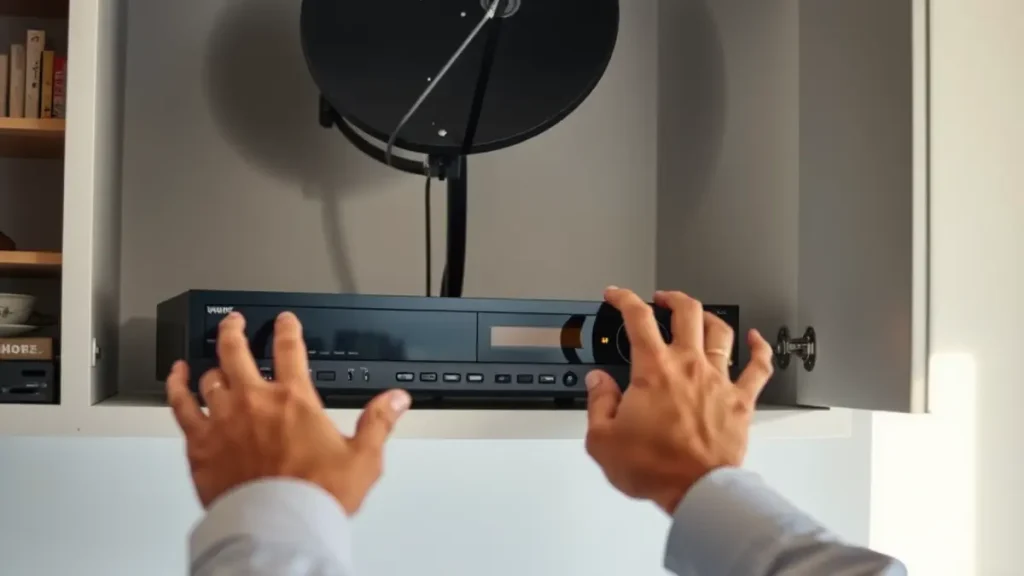
After load shedding, a DStv decoder, television, router and HDMI equipment may all restart at different speeds. The result can look more serious than it is: a blank screen, a decoder still booting, connected services offline or the television on the wrong input. A calm restart in the right order solves many temporary problems without disturbing the dish or cabling.
Electrical safety comes first. Do not handle damaged plugs, wet equipment, exposed wiring or a distribution board problem. Those faults belong with a qualified electrical professional. The steps below apply only when power has returned normally and the television equipment appears physically safe.
Wait for stable power
Rapidly switching equipment on and off while supply is fluctuating can prolong the problem. Once power has returned, allow the decoder time to complete its normal startup. Some screens remain blank while the television and decoder negotiate the HDMI connection. Watch the decoder indicators and avoid pressing several remote buttons in quick succession.
If the property uses an inverter, UPS or generator, confirm which sockets are supplied and whether the system has returned to its normal mode. A decoder may be powered while the television or router is not. Do not assume all plugs on the same wall operate from the same backup circuit. The owner or electrical installer should document that arrangement.
Use a simple restart order
Turn on the television and select the labelled DStv HDMI input. Confirm that the decoder has power. If it remains unresponsive and the plug and socket appear safe, follow the manufacturer's normal power restart process, then wait for startup to finish. Repeated unplugging is not a useful test and can interrupt a decoder while it is loading.
For a newly connected or changed decoder, decoder setup support can check cabling, pairing and configuration. Do not factory-reset equipment merely because one restart failed. A reset can remove settings without repairing an account, signal, HDMI or power problem.
Read the screen before changing anything
The message on screen is evidence. A 'no input' or similar television message points toward input selection or the HDMI connection. A DStv signal error points toward the satellite path or decoder reception. An account message needs different attention. Photograph the full screen and note whether the fault began immediately after the outage.
Check whether every channel is affected and, in a multi-room setup, whether both decoders have the same problem. One dead screen may indicate a local power, remote or HDMI issue. Several rooms failing together may point to shared equipment, account status or a wider signal problem. These details save time during remote support or an on-site visit.
Separate DStv signal from WiFi
The router often takes longer than the decoder to reconnect after an outage. Live satellite channels may return while Catch Up, apps or streaming remain unavailable. Test another device on the home network. If phones and laptops also have no internet, the decoder is unlikely to be the root cause of the connected-service failure.
Where reconnection is unreliable or coverage remains poor, book WiFi network troubleshooting. The assessment can consider router placement, coverage and how backup power is distributed to network equipment. It should not confuse an internet outage with dish alignment, since the two paths require different tests.
Check for a genuine signal fault
Load shedding does not physically turn a correctly mounted dish away from the satellite. However, the timing can coincide with wind, a loose connection or a fault that becomes visible when equipment restarts. If the decoder reports no signal after a complete startup, leave the dish and connectors alone and record the error. Do not rotate the dish by eye.
A technician providing signal repairs can measure reception and inspect the cable path, connectors, LNB and mounting hardware. In Langebaan, mention whether strong wind occurred during the outage and whether the installation is exposed to salt air. Those conditions guide inspection but do not replace testing.
Multi-room systems need coordinated checks
Extra View systems can behave differently after power returns if one decoder, network device or connection starts later than another. Confirm that each decoder has power and completes startup before changing settings. Record the messages shown on both units. Avoid swapping cables between rooms because that can create a second problem and erase useful clues.
If communication between compatible decoders does not recover, use Extra View support. The technician can check the physical connections, system configuration and relevant account status. A successful picture on one television does not prove that every part of the linked setup is working correctly.
Holiday-home recovery checklist
Owners should leave a short restart card for managers, not an open-ended instruction to 'reset everything'. The card can list the correct television input, normal decoder startup indicators, router location and the person authorised to request service. Keep roof work and account credentials out of guest instructions.
After a long vacancy, arrange a test before guests arrive. Power may return normally while remote batteries are flat, a router has lost connection or building work has disturbed a cable. A controlled check gives the manager time to identify the correct service instead of trying random fixes during check-in.
When to stop troubleshooting
Stop if you smell burning, see heat damage, hear unusual electrical noise or find a wet plug or device. Isolate the area only if it is safe to do so and contact an appropriate electrical professional. DStv technicians should not be used as substitutes for electrical fault diagnosis.
Book technical help when the decoder will not power up from a known working safe socket, a signal error remains after startup, several rooms fail, or the same outage-related problem keeps returning. Share the restart steps already tried. That prevents repetition and gives the technician a clear point from which to continue.
Frequently asked questions
How long should I wait for DStv after power returns?
Allow the decoder to complete its normal startup before judging the result. Startup time varies by equipment and conditions, so watch the indicators and on-screen progress rather than repeatedly restarting it.
Why does the TV say no input after load shedding?
The television may have returned on a different source, or the decoder may still be off or starting. Select the labelled HDMI input and confirm that both devices have power before changing cables.
Can load shedding move a satellite dish?
A power outage cannot move the dish. Strong wind or unstable mounting can affect alignment at around the same time, so a persistent signal error should be measured and the hardware inspected.
Why do live channels work but Catch Up does not?
Live satellite reception and internet-connected features use different paths. The router or internet service may still be reconnecting even though the decoder has regained satellite channels.
Should I factory-reset my decoder after every outage?
No. A factory reset is not a routine recovery step and can remove settings without fixing the cause. Use the normal restart process, read the error message and seek support if the fault remains.
Need a local technician?
Call or send an enquiry for DStv installation, signal repairs or help with your setup in Langebaan and nearby West Coast areas.
Call 079 754 5527Request a quote